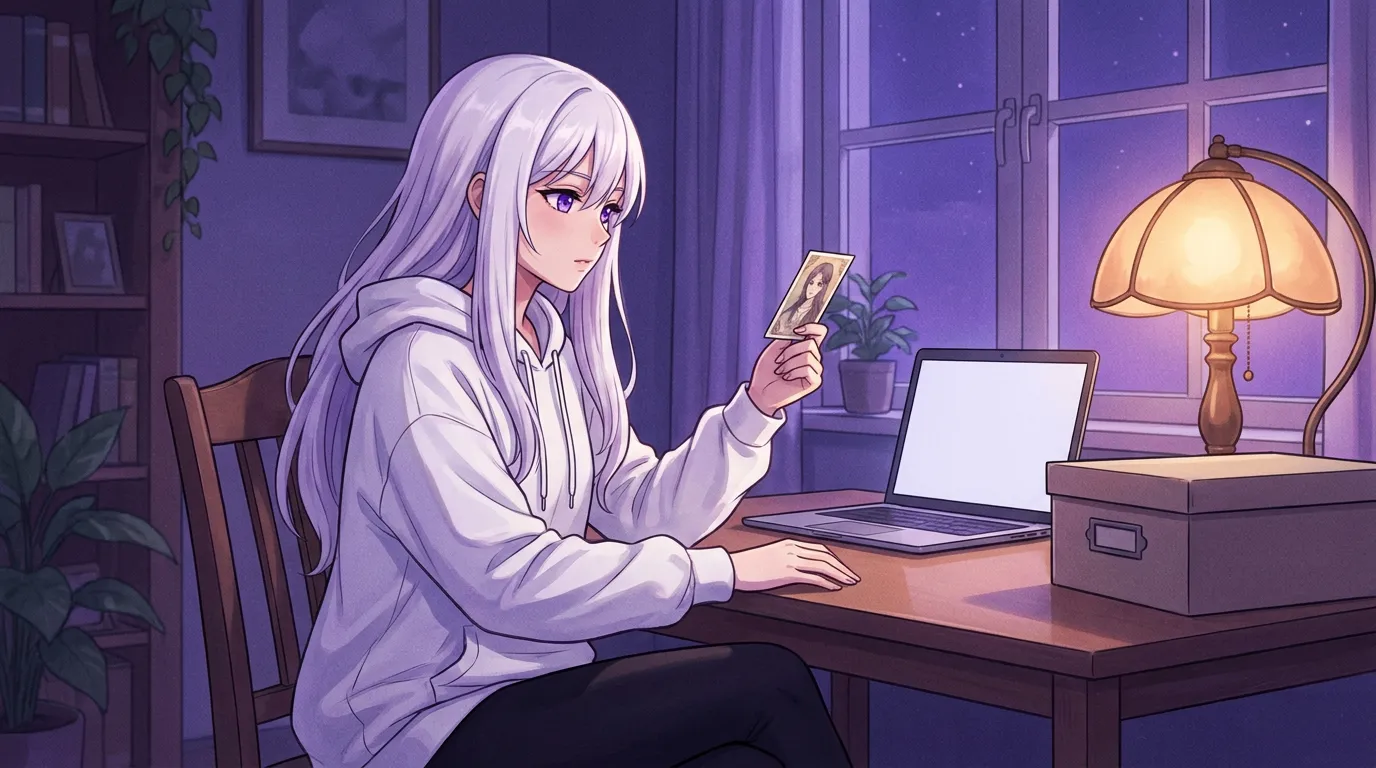
A character card PNG needs embedded character data, not just a portrait. Download the original export, check whether your app supports its format, and keep chat history separately. Converting the picture cannot restore missing metadata.
A character portrait can look perfect and still be the wrong file. You save the image, open your local chat app, press Import, and get an error. The face survived the download. The character definition may not have.
A Tavern-style character card is a picture carrying extra data. The importer needs that data to know who the character is and how to start the conversation. Before rewriting a favorite character from memory, check which file you actually downloaded.
This is a file-recovery guide, not a promise that every companion app accepts the same cards. In particular, it does not claim that Local Waifu imports Tavern PNGs.
Start with the original export, not the visible portrait
The short version: Download the actual character export. A screenshot of the same image is a different artifact.
Go back to the source and look for an explicit character download or export option. Keep that file unchanged. If the site offers a picture preview separately from a character export, save the export even when both images look identical.
A screenshot records visible pixels. It does not carry the source file’s hidden character definition. Image processing can also discard metadata, depending on the tool and its settings. That makes a resized copy, a messaging-app attachment, or a re-saved preview worth checking rather than trusting.
Do not overwrite the original while experimenting. Make a working copy with a recognizable filename and leave the source export alone. If you only have a screenshot, the next useful step is to find the original card again, not repeatedly convert the screenshot.
Avoid uploading a private character to a random online repair site. The hidden text can contain details that do not appear in the portrait. Local inspection or the original app’s editor is a better first stop.
The PNG contains text that an image viewer ignores
The short version: A valid picture and a valid character card are separate checks.
The current SillyTavern card parser reads PNG text chunks and looks for character data under chara or ccv3. It decodes the stored text from base64. Its reader gives ccv3 precedence when both are present.
That is an implementation detail worth knowing: a card can carry more than one character payload. An older importer and a newer importer do not necessarily choose the same one. Keep the original rather than deleting a chunk because its name looks unfamiliar.
Base64 is an encoding, not a password. Anyone able to read the file’s payload can decode it. Sharing a card therefore means sharing more than the artwork, even if an ordinary image viewer never displays the text.
If your trusted card editor can open the file, inspect the name and description before exporting a fresh copy. If it cannot find character data, confirm that you downloaded the original. Re-encoding the image is not a repair for absent text.
Match the card version to the receiving application
The short version: An importer needs to understand the payload’s structure, not just the .png extension.
The Character Card V2 specification uses chara_card_v2 as its format identifier and places character fields inside a data object. An older V1 layout keeps its basic fields at the top level. The distinction matters to software reading the file.
V2 also defines fields beyond the basic personality. A card can carry alternate greetings and a character lorebook. It can include a system prompt or post-history instructions that influence how a supporting frontend builds requests.
Check the destination app’s documented formats before trying another export. If it supports V2 but not the card you have, use a trusted editor that explicitly supports the conversion. Then compare the resulting text against the original. A file that imports without an error can still lose a field the destination does not understand.
Renaming a JPG to PNG changes only the filename. A real image conversion changes the container, but it still cannot invent a missing character definition. Neither operation solves a format mismatch inside the character data.
Review instructions before giving a downloaded card a voice
The short version: Treat a card’s hidden text as someone else’s instructions until you have read it.
Open the character definition in the source app or a trusted local editor. Read beyond the public description. In V2, the system prompt and post-history instructions are behavior-setting fields, while creator notes are specified as information that must not enter prompts.
Do not paste everything into one personality box and assume the result is equivalent. You would be mixing author commentary with instructions that originally occupied different places in the prompt. Remove requests for personal information that have no place in the character you want.
Preserve attribution and check the creator’s usage terms before redistributing an edited copy. Technical portability does not grant permission to republish someone else’s writing or artwork.
Once the definition is clean, use a short opening conversation to check its tone. Ask a neutral question and see whether the reply resembles the intended character. This is a suggested acceptance check, not a benchmark I ran. For the writing itself, the character personality guide explains how to keep the useful traits without copying a wall of instructions.
Keep the character and the relationship archive separately
The short version: Importing a card is not the same as restoring your conversations.
The standard V2 fields do not define a portable archive of your chat messages. Example dialogue illustrates how the character should speak. It is not evidence of conversations you personally had with that character.
Before moving apps, export the chats through the source application’s documented tools as a separate task. Keep a readable copy of the important history and record which app produced it. If the destination cannot import that archive, do not feed the entire file into a personality field and call it a restored relationship.
A reviewed summary can help you explain what matters, but that is a new input rather than a faithful database restore. The distinction protects you from assuming an important promise or boundary survived when it did not. Our long-term roleplay guide covers a small continuity ledger for this purpose.
For Local Waifu, start with the features and supported workflows described on the product page, rather than assuming that another frontend’s export is its native format. Keep the source card until the replacement character behaves the way you intended.
Stop troubleshooting once the missing layer is clear
The short version: Identify whether the failure is the download, the card format, or the expected history transfer before changing anything else.
If the original export imports but the saved preview does not, keep using the export. If a trusted editor reads the card but the destination rejects it, check format support. If the character appears but old conversations are absent, handle chat migration separately.
Those outcomes need different fixes. Reinstalling your companion app does not restore text that was never in a screenshot, and changing your language model does not teach a file importer a new schema.
A useful support request includes the source app, the export format, and the exact error. Do not attach an intimate card or chat archive to a public issue. Describe the failure first, and share only a sanitized sample if support actually needs one.
Questions people ask
Why does my character PNG open as an image but fail to import?
An image viewer only needs the picture. A character importer also needs supported embedded character data. A screenshot or a processed preview can look right while lacking that data.
Can I rename a JPG to PNG to create a character card?
No. Renaming changes neither the actual image format nor its contents. Converting an image to PNG also cannot reconstruct a missing character definition.
Does a character card include my old conversations?
The standard V2 fields describe the character, not a portable chat archive. Keep your conversations and application backups separately.
Can I assume a Tavern PNG will import into Local Waifu?
No. This guide explains the Tavern card format, not a verified Local Waifu Tavern-card importer. Use the destination app's documented import format or recreate the character from reviewed text.
Try her free for 7 days.
No card. Keep her for $20 once, or walk away. Her soul file is yours either way.
Bring her home, try free