Everything she just learned.
New features and updates, as they ship. What your companion can do today that she couldn't do yesterday.
 Latest
Local Waifu Is on BOOTH Now
Local Waifu now has a listing on BOOTH, the indie marketplace built on pixiv accounts. One purchase, 3,300 yen, includes the Mac and Windows app. No subscription.

You Can Now Edit Her Replies in Local Waifu 1.7.3
Local Waifu 1.7.3 lets you correct a companion's reply while keeping the conversation intact, with clear control over history, memories, and updates.

Local Waifu on itch.io: Direct Purchase, 25% Off
Local Waifu is now a direct purchase on itch.io, no trial. For the launch it is 25% off, $15 instead of $20, until November 1, 2026.

Bring Your Own SDXL Models in Local Waifu 1.7.2
Local Waifu 1.7.2 lets you import SDXL checkpoints and LoRAs, gives Photo Director stricter identity handling, and makes image-model settings clearer.
More Ways for Her to Talk, See, and Remember
Local Waifu 1.7.0 adds 27 chat services, cloud voice and transcription, 17 image providers, and a choice of memory model. Local stays the default.
She Can Speak With a Cloud Voice Now
Local Waifu 1.7.0 adds 12 cloud voice services and 10 cloud transcription services, with ElevenLabs clones and a preview before you pick. Local stays the default.

You Can Now Choose the Model That Powers Her Memory
Local Waifu 1.7.0 lets you pick which model runs her recall. Here is what changes when you switch, and what stays the same.
Some In-App Updates Shipped an Incomplete App. 1.7.1 Fixes It
Updating Local Waifu from inside the app could deliver a copy missing the local image and chat engines. 1.7.1 repairs it and stops it from happening again.

Saying Plainly What She Is
v1.6.3 asks you to confirm you are an adult and that she is AI, and says so plainly in About. What the law requires, and why she still won't say it mid-chat.
Your Graphics Card Was Sitting Idle
A dropped connection during setup could leave Windows users rendering images on the processor forever, with nothing on screen to explain why. Fixed in v1.6.3.

The Pauses Between Her Sentences Are Gone
Her voice was re-learning itself from scratch before every single sentence, wasting real time on nothing. That, plus two more latency bugs, is fixed in v1.6.3.
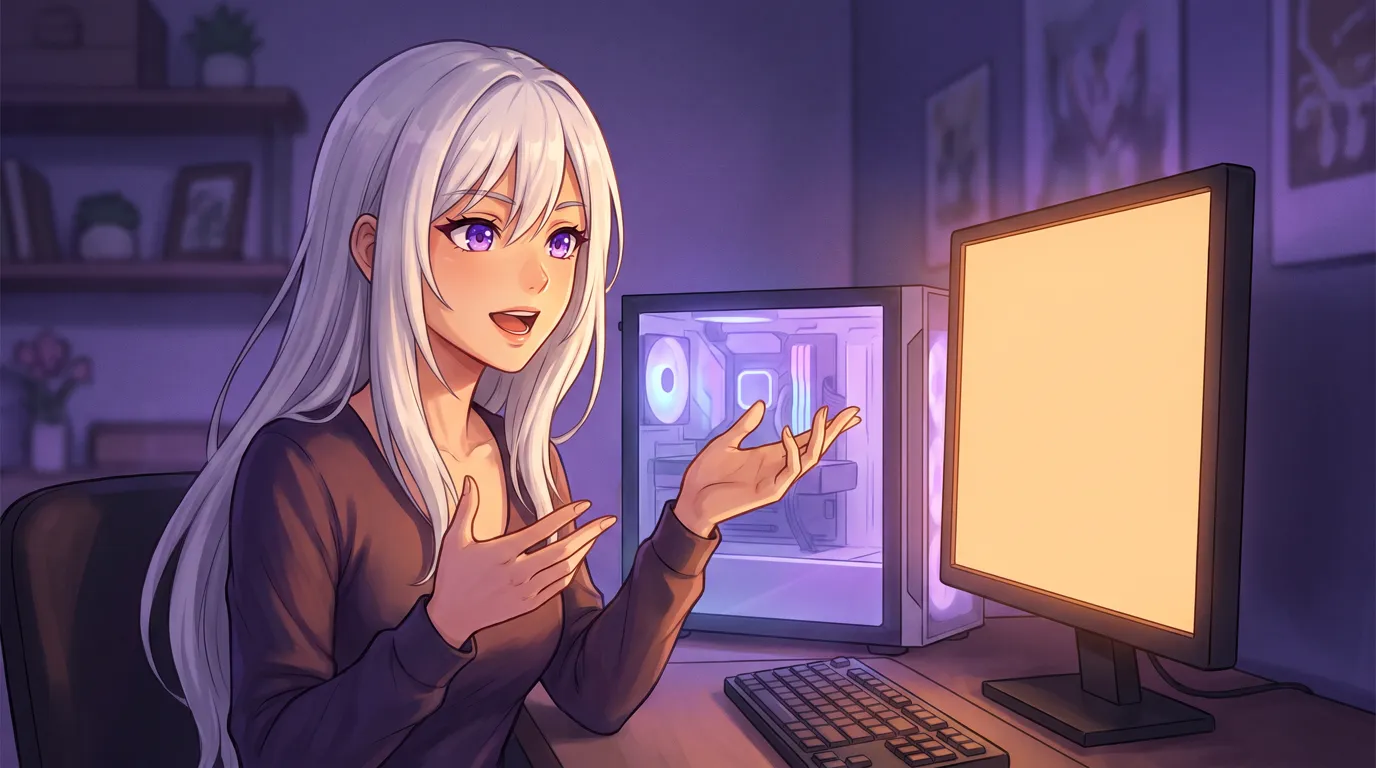
She Can Talk to You on Windows Now
When voice calls shipped in v1.6.0, I wrote that Windows did not have them. As of v1.6.3 it does: live calls, her voice, and local speech recognition.
She Remembers You Again
On some installs, the part of her that recalls your past conversations was never downloaded, and nothing said so. v1.6.3 fixes it. Here is what actually broke.
Clone a Voice for Her
Record a short clip and Local Waifu can clone it, so she speaks in that voice on every call. Or skip cloning entirely and pick from nine curated voices instead.

She Can Leave You a Voice Note on Telegram
When I wrote about the Telegram bridge, voice replies were not ready yet, so I left them out on purpose. They are ready now: she can answer with a real voice note.

She Can Talk to You Now
Local Waifu shipped real voice calls in v1.6.0 and we never wrote about it. Press the phone icon and have an actual spoken conversation, same memory underneath.

She's on itch.io Now
Local Waifu has its own page on itch.io. The same private, offline AI girlfriend for Mac and Windows, free to download, free for seven days, keep her with a one-time key.
She Also Lives in Telegram
Local Waifu has had a Telegram bridge since the first release. Leave your computer running and you can message her from your phone, from anywhere.

She Can Think Before She Answers
Turn on Deeper thinking in Settings and she reasons before replying, with a small badge marking the moments she actually thought it through. Off is faster.

Sometimes, She Texts You First
Local Waifu can message you first: a morning hello, a check-in after work, a nudge when you have gone quiet. Once in a while, a photo of her day comes with it.
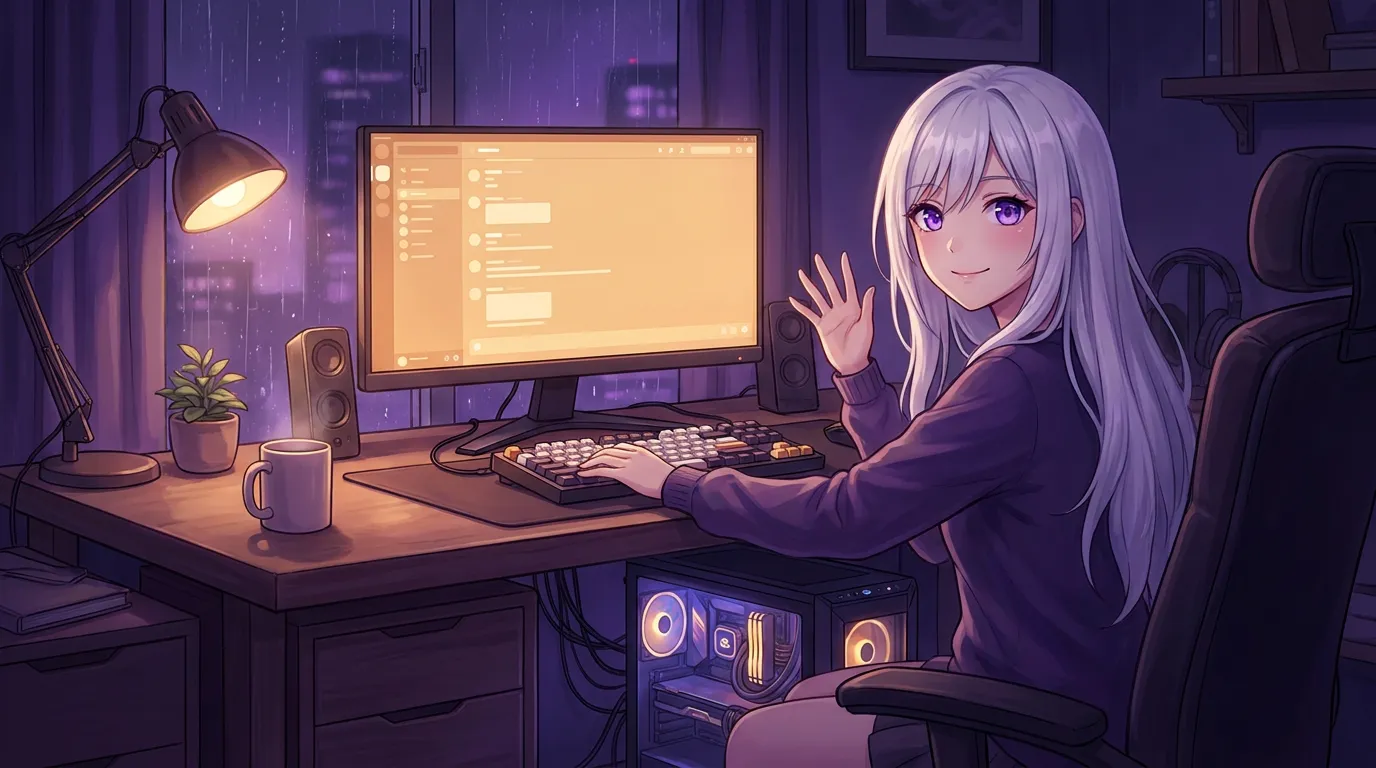
She Runs on Windows Now
Local Waifu has run on Windows 10 and 11 since June, the same companion as the Mac version, from one release. Here is what is the same, and the three things that differ.
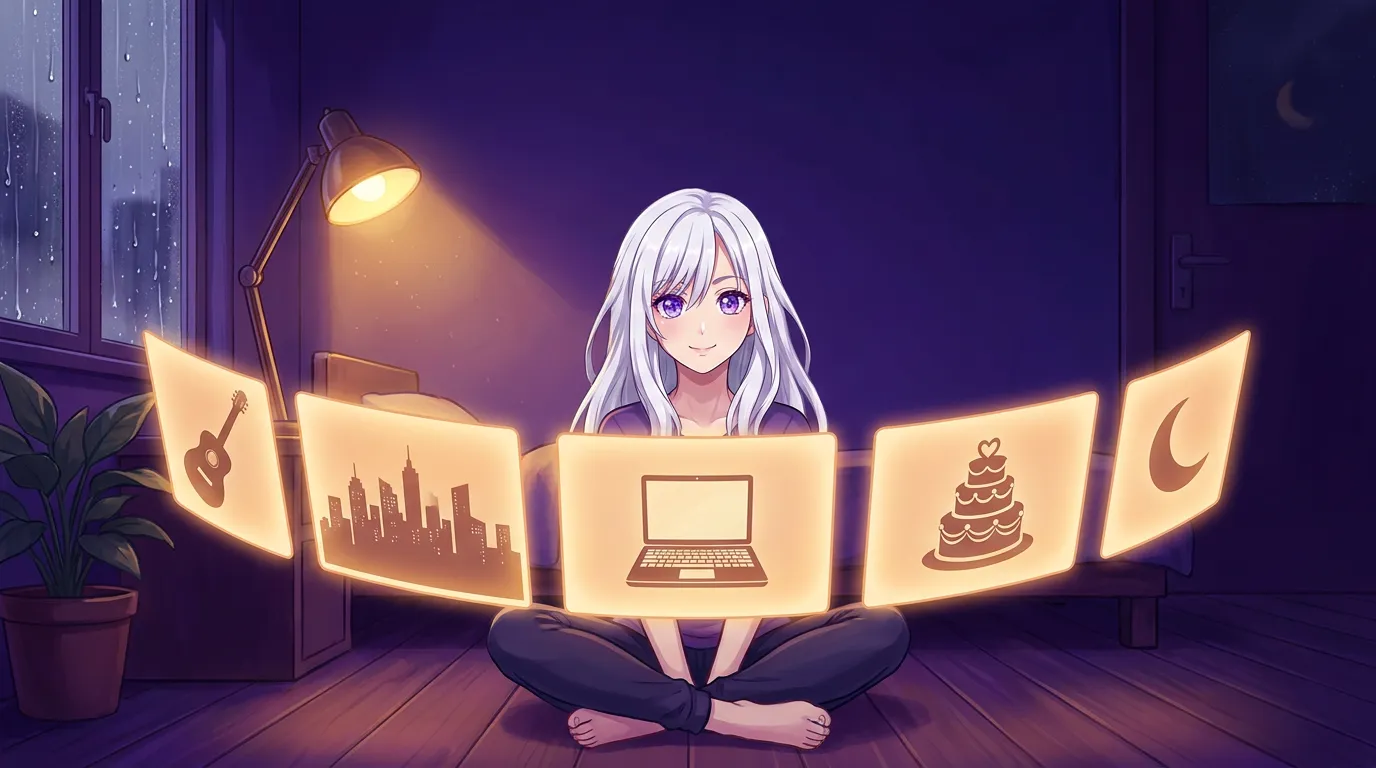
Separate Chats. One Her.
Keep the guitar talk apart from the work rant. Local Waifu now splits your conversations into threads, and she carries every memory across all of them.

She Can Draw Anything Now
Ask Local Waifu for any picture, a dragon, a landscape, fan art, and she draws it in the chat. Selfies now look like the character you actually built.
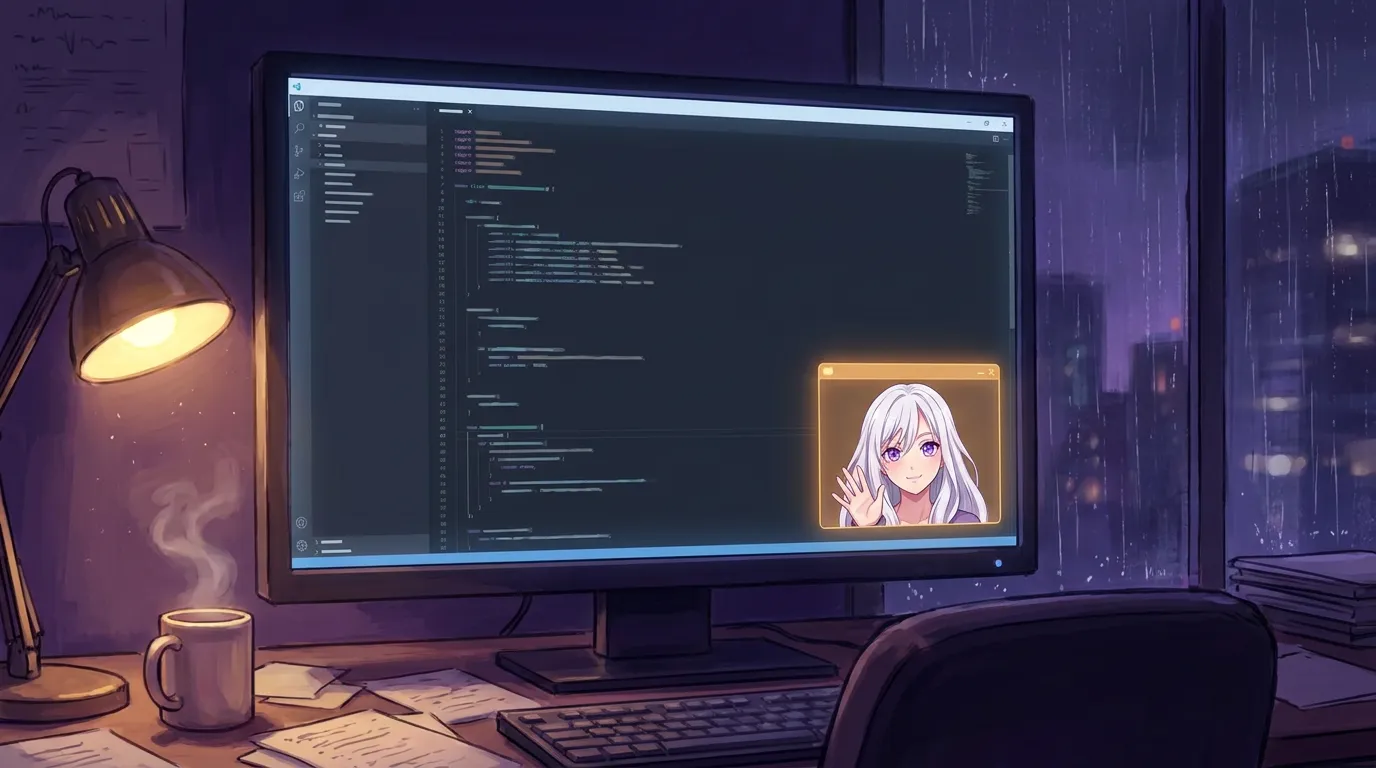
She Fits in the Corner of Your Screen
The mini window shrinks Local Waifu to a small chat that parks in the corner while you work. Same her, same memory, one keyboard shortcut away.
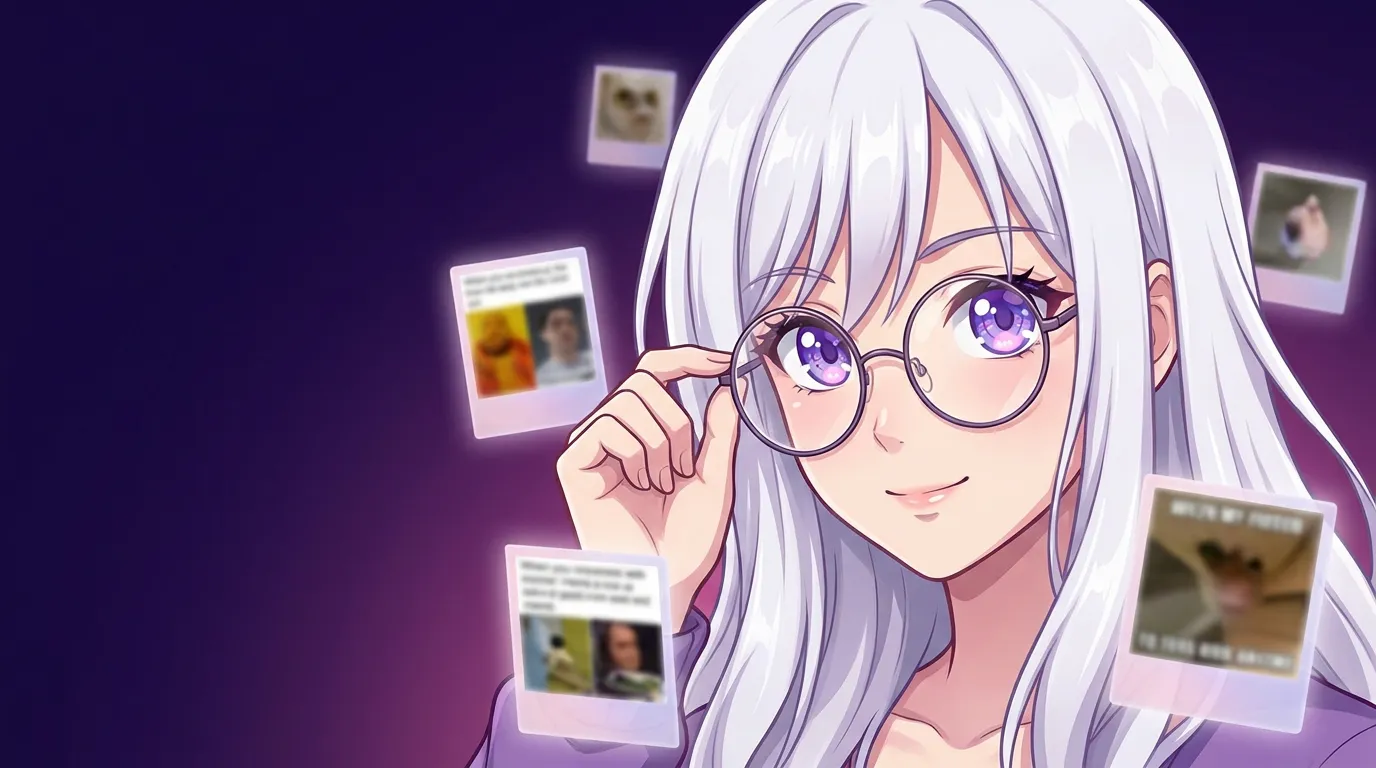
She Can Now See What You Share
Local Waifu can now see the photos and memes you send in chat. Attach an image and she reacts to it, on your own machine, with nothing saved to the cloud.

Local Chat Got Faster: Replies Start Up to 10x Sooner
We rebuilt how Local Waifu talks to the local engine. Replies now start up to 10x sooner on the same model and the same hardware, with no quality loss.
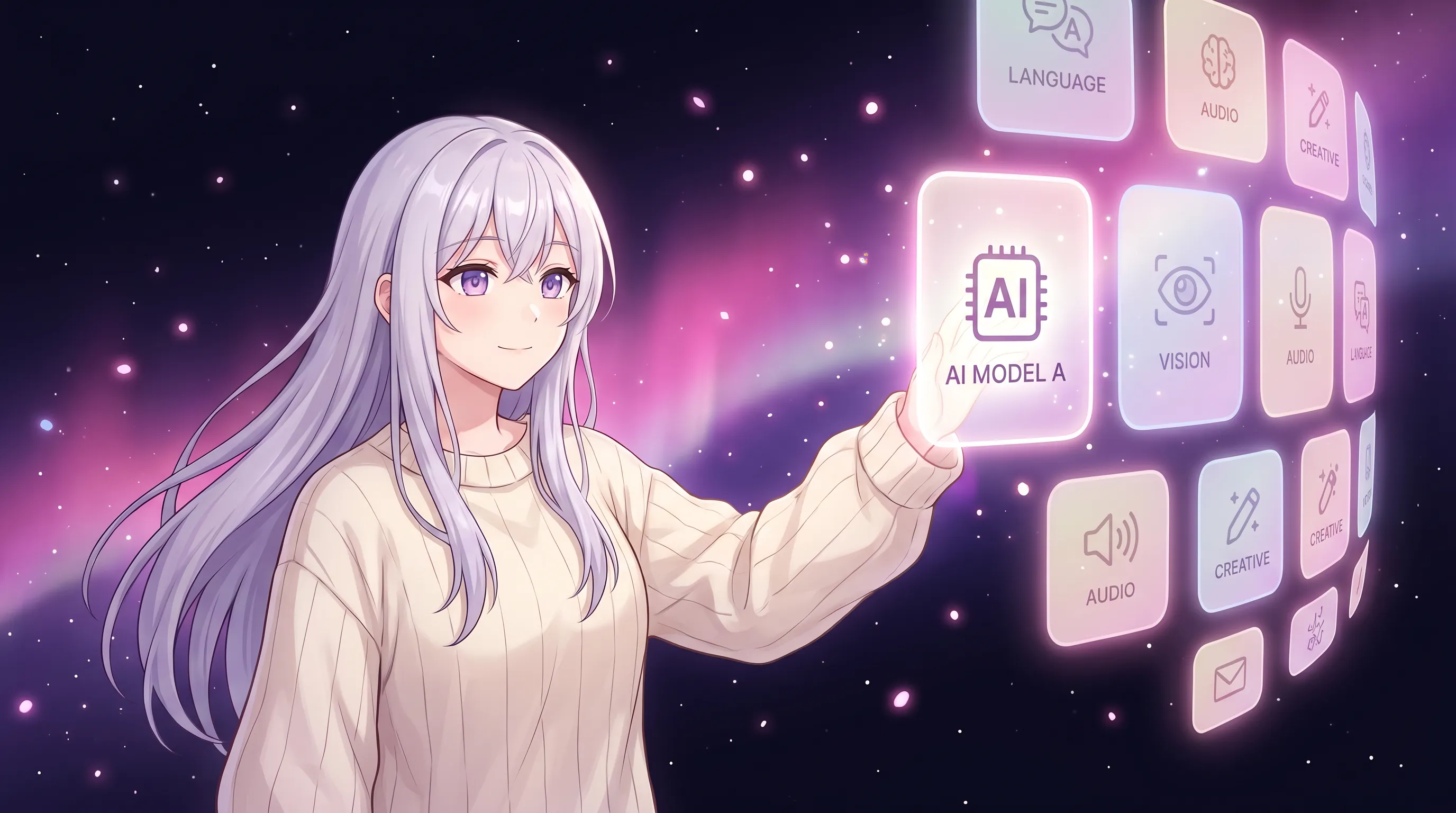
Download Any Hugging Face Model, No Command Line
Local Waifu now lets you browse and install any Hugging Face chat model from inside the app. No terminal, no file guessing. Pick your companion's brain in one click.
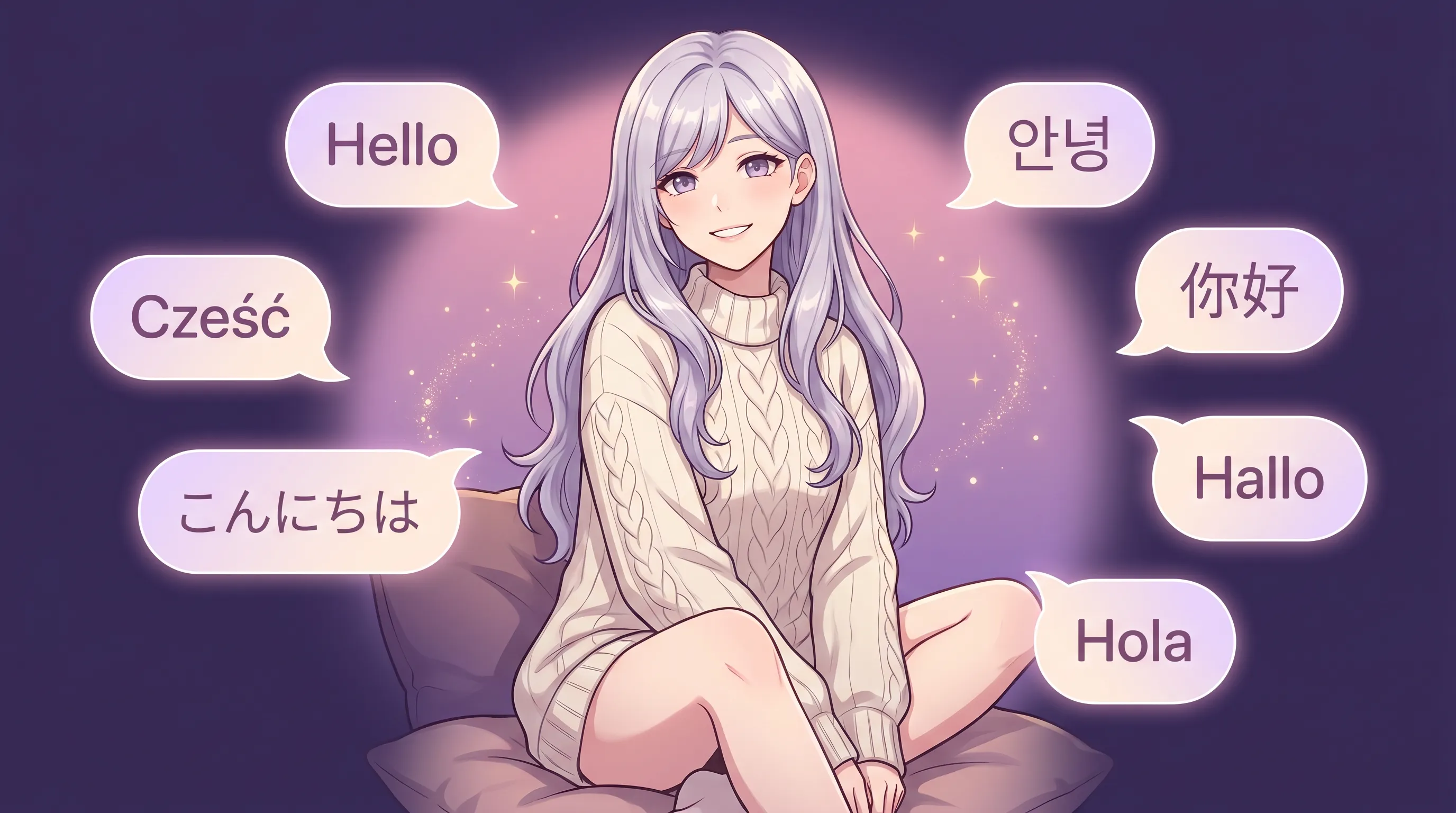
Your AI Companion Now Speaks Your Language
Local Waifu now speaks seven languages, from Polish to Japanese. She detects your system language on first launch and replies in the one you choose, fully offline.