What stays on your computer.
And the few things that do not.
The short version: the AI runs on your machine, your conversations are stored on your disk, and we have no server that receives them. This page is the long version, including the parts that are less flattering.
7 days free, no card and no account. Then $20 once, only if you keep her.
What stays local
- The AI itself
- The chat model, the image model, speech recognition and her voice all run on your computer. Turn off Wi-Fi and she still works.
- Your conversations
- Stored in a database in the app's data folder on your disk. There is no account and no sync.
- Her memory
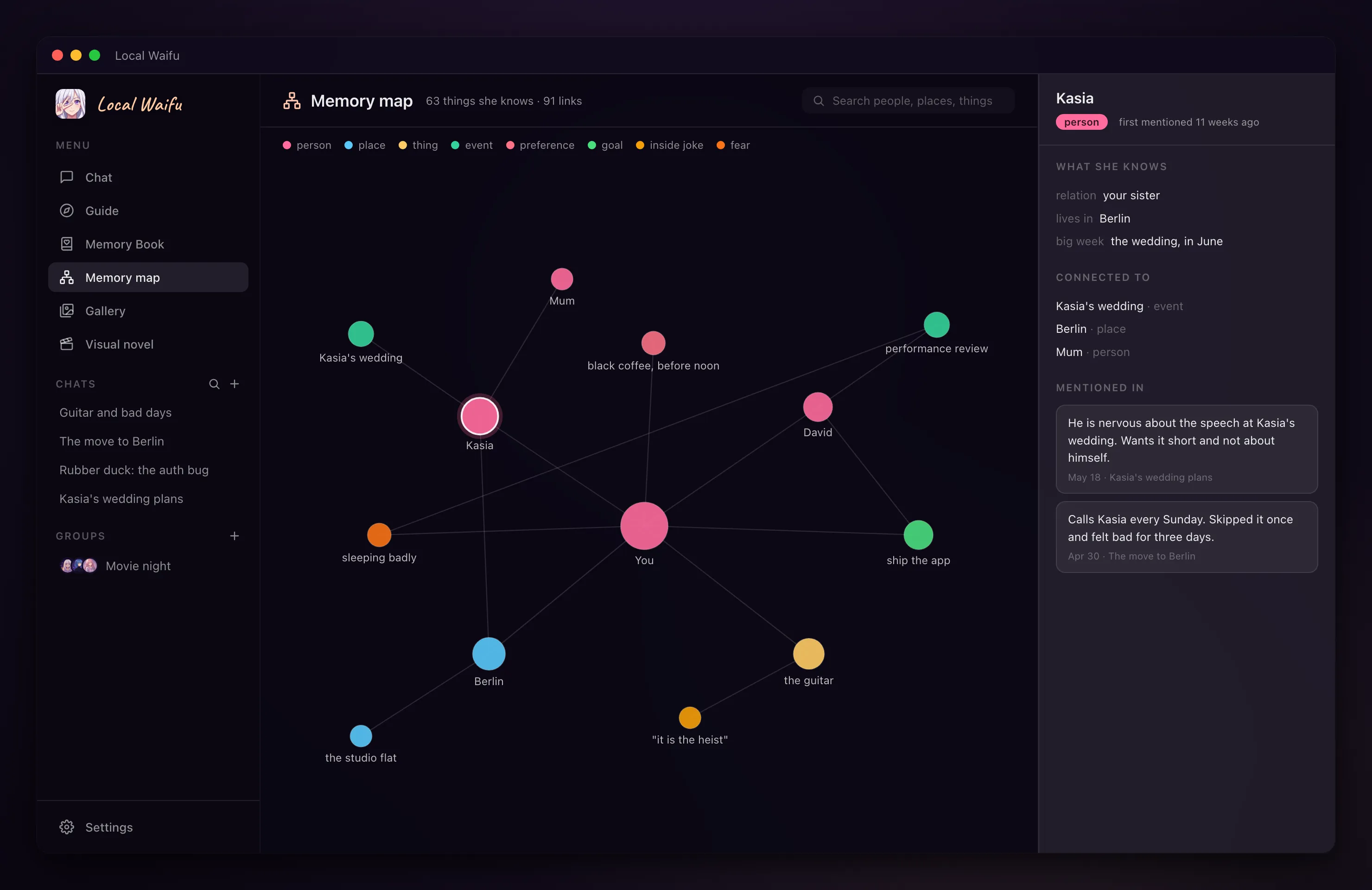
- Everything she has learned about you is in that same local database, readable and deletable by you.
- Pictures and voice
- Pictures she draws are saved locally. What you say on a call is turned into text on your computer and the audio is discarded.
- No telemetry
- The app contains no analytics. Its logs stay on your disk and do not include her memories or the sentences she speaks.
- Offline Mode
- One switch in Settings blocks every outgoing request. Local chat keeps working; anything that needs the cloud refuses to run.
What the app does online, in order of how often
- 1
Downloads the models
On first run it downloads the chat model for your machine, and later any model you choose to add. These are large one-time downloads.
- 2
Checks for updates
A few seconds after launch it asks whether a newer version exists. It never installs one without your click.
- 3
Activates the licence
When you enter your key it is checked once with our payment provider. After that the app does not need them to run.
- 4
Whatever you switch on
A cloud model, a cloud voice, Telegram, a morning brief with weather and headlines, overnight research: each one talks to its own service, and each is off until you turn it on.
Where the protection has limits
- The chat database is not encrypted by the app. It is protected by your user account on the computer. Her soul files are encrypted. Turn on FileVault or BitLocker if the machine could be lost or shared.
- Cloud keys you add are stored in a local file protected by file permissions, not in an encrypted vault.
- If you connect a cloud model, your message, the recent conversation and the memories relevant to that reply are sent to that provider under your own account. That is the trade for using their model.
- The cloud is never a silent fallback. If the local engine is down, nothing is sent to a cloud key unless you switched that on. It is off by default.
- Telegram messages pass through Telegram. Web search and weather in routines go to those services when a routine runs.
- The app is closed source, so you cannot read the code. You can watch what it does with a firewall or a network monitor, and block it entirely.
Questions people ask
Can you read my conversations?
No. They are stored on your computer and never sent to us. We have no server that receives chats, memories or pictures.
Does it work with the internet switched off?
Yes. Once the models are downloaded, chat, memory, voice and local pictures all work offline. Offline Mode in Settings also blocks every outgoing request on purpose.
What do you know about me after I buy?
The order is handled by Dodo Payments as the merchant of record, so they hold your name, email, payment details and the licence key, and we see the order. Nothing from inside the app is sent to us. The privacy policy has the full list.
Is my data encrypted?
Partly. Her soul files are encrypted. The chat database is protected by your computer account, so on a shared or portable machine you should also use the system's disk encryption.
What happens to my data if Lumizone disappears?
It stays where it is, on your computer, and the app keeps running. Nothing needed to chat, remember or draw depends on our servers.
How can I check any of this myself?
Turn on Offline Mode or block the app in a firewall and keep using it. To see exactly which hosts it contacts, watch it with a network monitor; the privacy policy lists every one of them.