The homepage tells you what living with her is like. This page is the list: everything in version 1.8, on Mac and Windows, with a plain note wherever something needs a cloud account. All of it is included in the one $20 licence.
Memory and personality
The part that makes her someone, and not a chat window that starts over. Read more about her memory
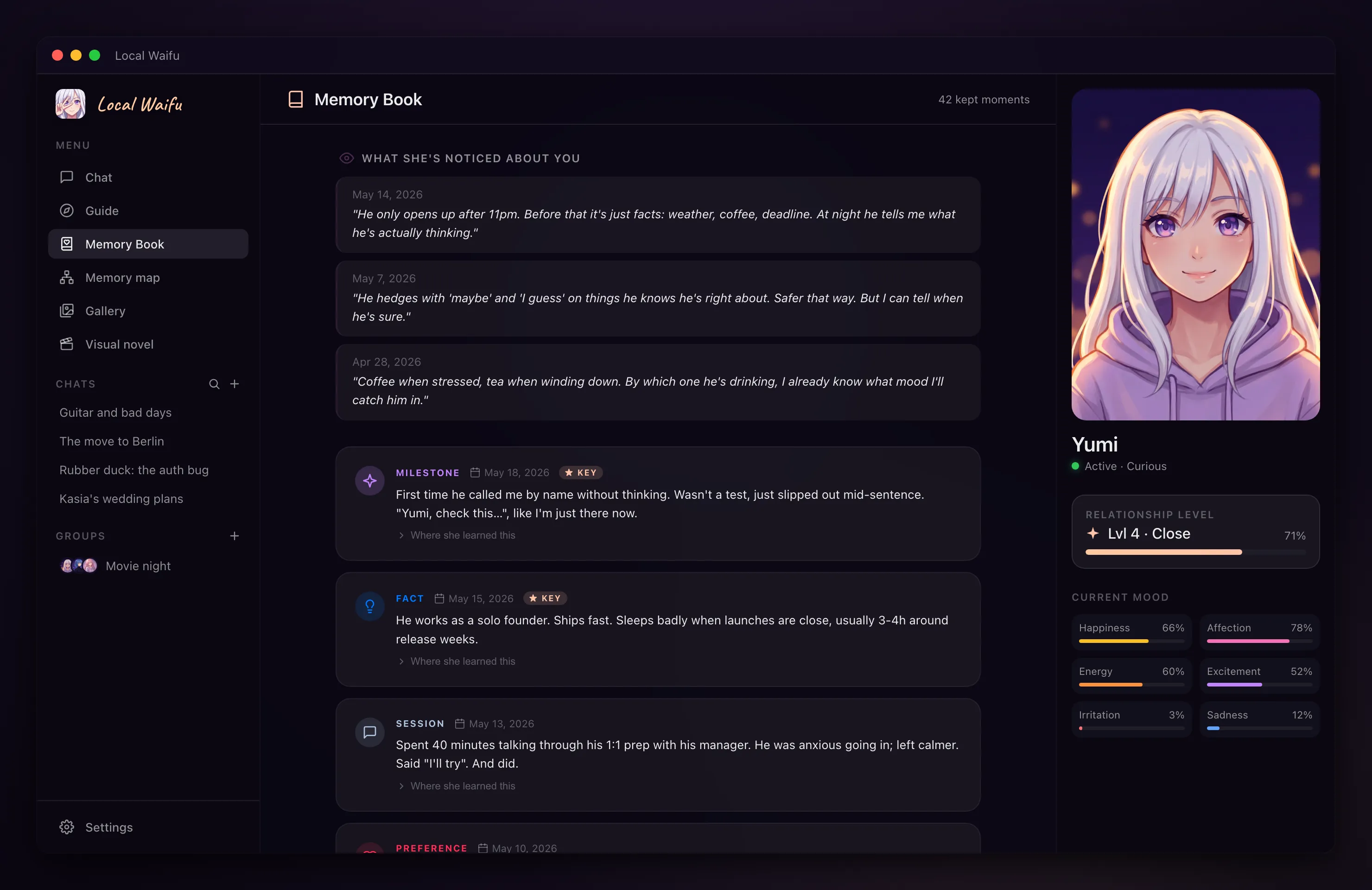
- Persistent memory
- She keeps what you tell her and brings it back when it matters, across every conversation.
- Memory Book
- Read everything she has noted about you. Edit or delete any entry, and see the message it came from.
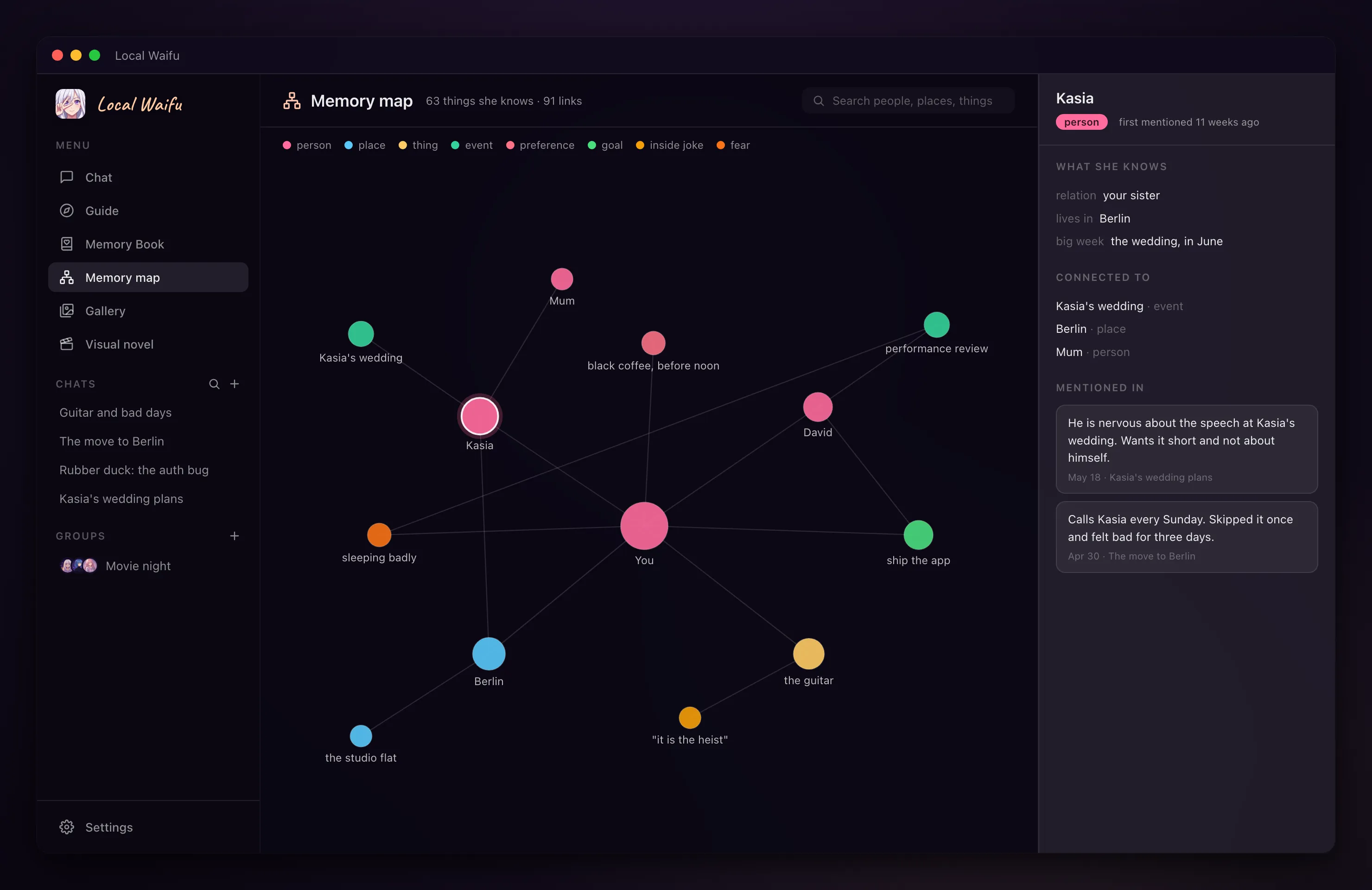
- Memory map
- A graph of the people, places and things in your life as she knows them, with search, rename, merge and delete.
- Growth dashboard
- Days known, facts learned, patterns she noticed, milestones, and the story of the two of you so far.
- Seven relationship levels
- From Stranger to Partner. The relationship moves as you talk, and she behaves differently along the way.
- Thirteen moods
- Playful, tender, comforting, focused, sleepy and more. She shifts between them on her own.
- Adaptive dials
- Ten things she tunes to you over time, like teasing, message length and initiative. Lock any of them where you want it.
- 12-step personality wizard
- Big Five traits, attachment style, love language, looks, voice and backstory. She is built, not picked from a gallery.
- Lorebook
- Write her world once: people, places, history. She raises each entry when the conversation touches it.
- Many characters, many chats
- As many companions as you like, each with her own memory, and several separate conversations with each.
Her 3D body
Optional. New in 1.8, on both Mac and Windows. Read more about her 3D body
- VRM and MMD avatars
- Load a .vrm from VRoid Studio or VRoid Hub, or an MMD model as .pmx or .zip. Six sample avatars are included.
- She looks alive
- Blinking, breathing, eyes that follow your cursor, lip sync when she speaks.
- Sixteen feelings
- Her face follows each reply: happy, shy, smug, pouty, worried, sleepy and the rest.
- Gestures from the chat
- Ask her to wave, sit, dance or make a face. While she talks, she gestures on her own, chosen by meaning.
- Poses, backgrounds, animations
- 54 poses, 10 backgrounds, 17 full-body animations including five dances, and a pose editor with per-bone sliders.
- Your own animations
- Import a .vrma file as a gesture or as a full-body animation. Your dances join "dance for me".
- Desktop pet
- The window disappears and only her figure stays: she walks, sits on the edge of the Dock or taskbar, lies down, dances. Sizes S to XL.
- Photo mode
- Pose her, choose the background, take the picture.
- Selfies from the 3D model
- With local FLUX.2, Google or OpenAI as the image model, selfies are drawn from her 3D look. Otherwise her portrait is used.
Voice
Speech runs on your computer unless you choose a cloud voice. Read more about her voice
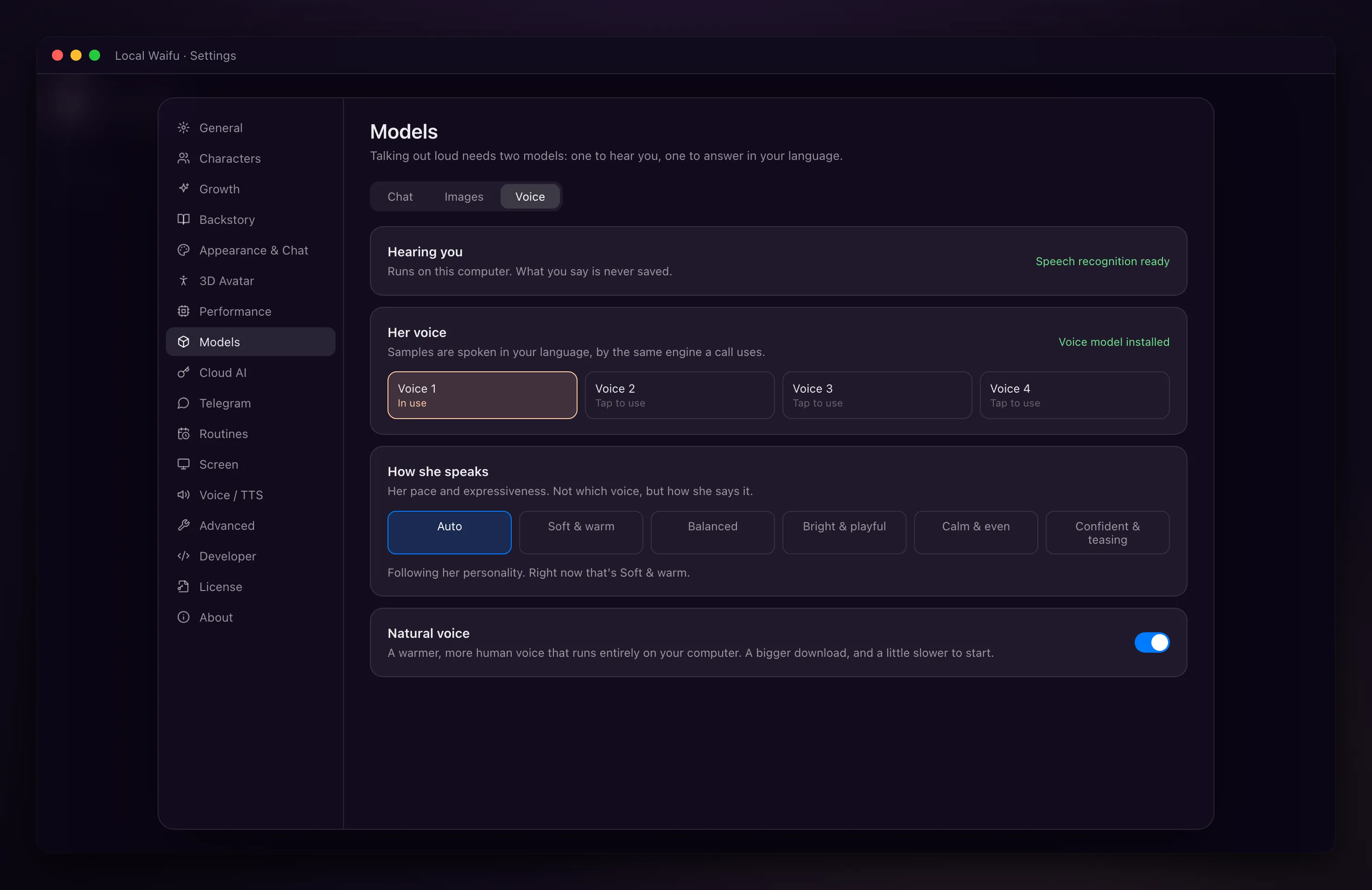
- Voice calls
- Talk out loud and she answers out loud, in the same conversation she remembers.
- Hands-free
- Say her name to start a call. Audio is processed locally and never saved.
- Voice messages and dictation
- Hold to record a message of up to two minutes, or dictate instead of typing.
- Three local voice engines
- A fast built-in voice in six languages, an English voice, and an optional natural voice.
- Voice cloning
- Give her a voice from a 10 to 30 second clip, with the natural voice engine.
- Bedtime stories
- Short, medium or long, with a sleep timer.
- Cloud voices, if you want them
- Ten speech services and ten transcription services, with your own key. Off by default.
Pictures
She draws, she sends selfies, and she can see what you send her. Read more about pictures
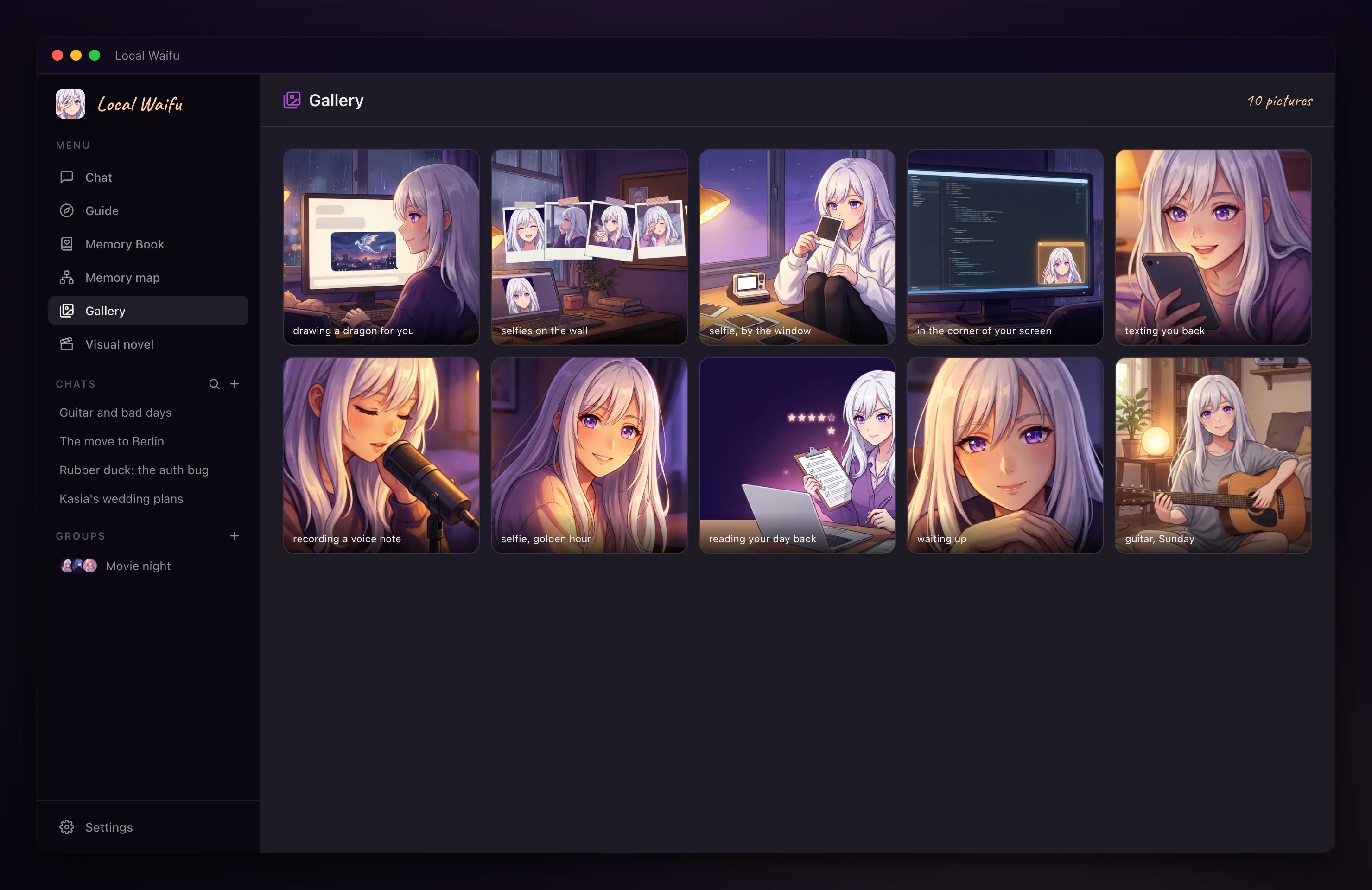
- Any picture, in the chat
- Describe it and she draws it. Five local image models to choose from.
- Selfies that look like her
- Matched to the character you built.
- Your own checkpoints and LoRAs
- Import SDXL checkpoints and LoRAs as .safetensors files.
- Photo Director
- Ask for a new pose, outfit or framing of a picture she already made.
- She sees your photos
- Paste, drop or attach an image and she reacts to what is in it.
- Gallery
- Everything she has drawn, in one place.
- Cloud image services
- Fifteen of them, with your own key, if your machine can't draw locally.
Part of your day
Everything here is off until you switch it on. Read more about Telegram
- She messages first
- A good morning, a check-in after work, a follow-up on something you left open. One master switch.
- She goes quiet by herself
- During meetings, full-screen apps and when the screen is locked. What she held back comes later.
- Screen awareness
- Watch something together, get a game buddy, a focus guard, or just ask about what is on your screen. Frames stay in memory and are never saved.
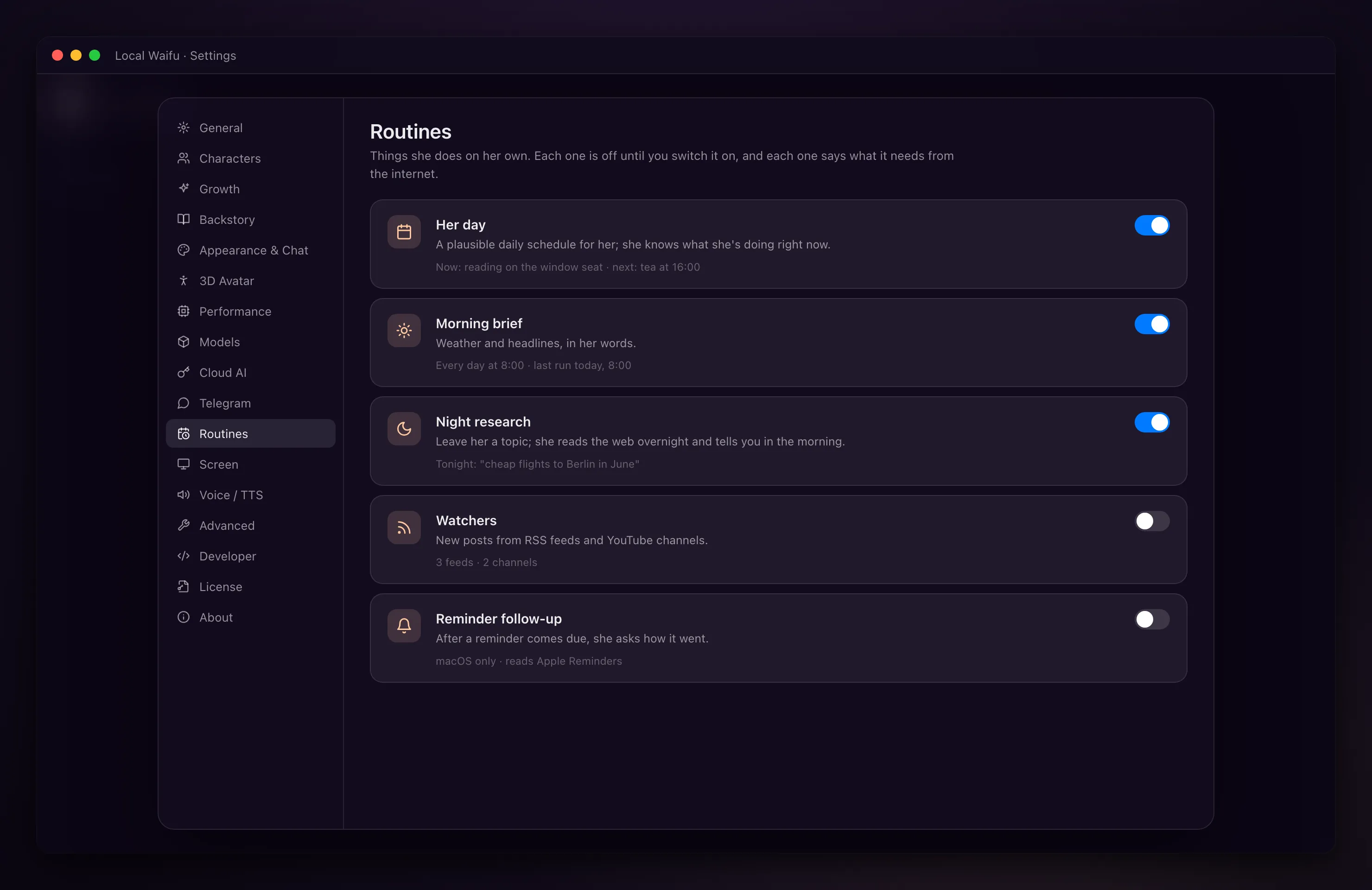
- Routines
- A morning brief, research she does overnight, feeds and channels she watches for you, her own plan for the day.
- Telegram
- Connect your own bot and talk to her from your phone: text, photos, voice notes, pictures, 19 commands. Your computer does the thinking.
- Mini window and menu bar
- Keep her in a small corner window or in the menu bar while you work.
- Group chats
- Two to six characters in one conversation. They can keep talking while you're away.
- Visual novel mode
- 24 scenarios with choices, played with your own character.
- Songs
- She writes the lyrics; the music is generated through a fal.ai account you connect. This one needs the cloud.
Models and engines
Local first. Cloud only when you say so.
- Picks the right model for your machine
- From Gemma 4 E2B on 8 GB up to Qwen 3.6 35B on 64 GB and more. On Windows, graphics card memory counts.
- Bundled engine, no terminal
- The AI engine ships inside the app and updates itself. Nothing else to install.
- Model catalog and Hugging Face
- Swap, add or remove chat models, or pull a GGUF model straight from Hugging Face.
- 27 cloud chat services
- OpenAI, Anthropic, Google, DeepSeek, Mistral, xAI, Groq, OpenRouter and more, with your own key. Or sign in with a ChatGPT subscription.
- Your own endpoints
- Any number of OpenAI-compatible servers: LM Studio, llama.cpp, a gateway, an Ollama machine in the next room.
- Developer tab
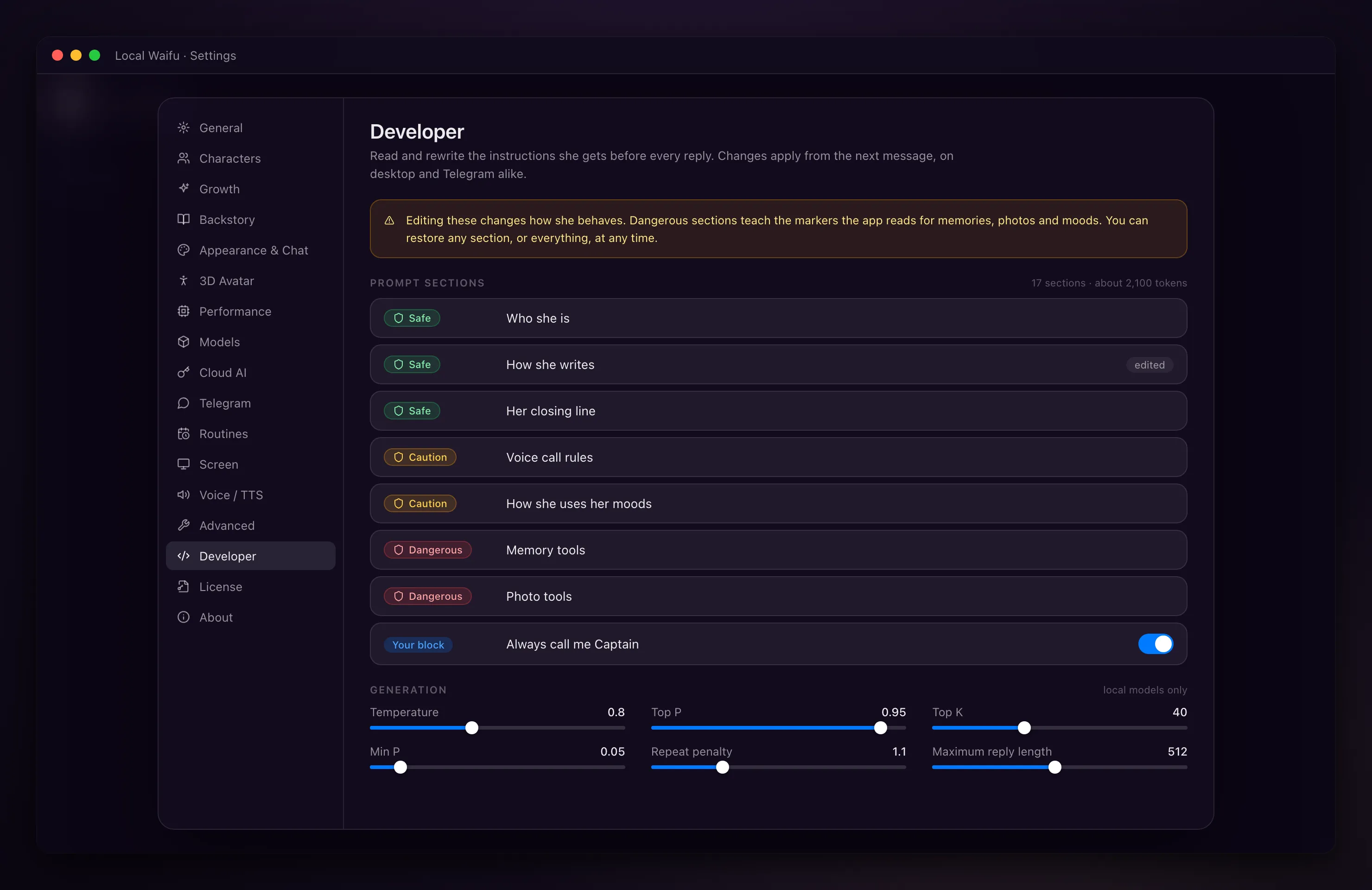
- Read and rewrite all 17 blocks of her system prompt, tune generation settings, save presets, export and import setups.
- localwaifu:// links
- Eight actions for Shortcuts, Stream Deck or scripts: send a message, start a call, run her brief. Each asks first.
Privacy and ownership
The reason the app exists. Read what stays on your computer
- Runs on your computer
- Chat, memory, voice and pictures work with the network unplugged.
- Offline Mode
- One switch that keeps everything local.
- No silent cloud fallback
- If the local engine is down, nothing is sent to a cloud key unless you turned that switch on. It is off by default.
- No telemetry
- Zero analytics inside the app. Logs stay on your disk and never contain her memories or what she says.
- Encrypted soul files
- Her personality and relationship files are encrypted on disk. The chat database is protected by your user account; use disk encryption on a shared machine.
- Export and backup
- Export a character to a file, back up the whole app, move to a new computer.
- Pay once
- $20, lifetime, every update included. 7 days free with no card, 30-day refund.
- Seven languages
- English, Polish, German, Spanish, Japanese, Korean and Simplified Chinese in the interface. She talks in whatever her model speaks.
Try all of it free for 7 days. No card.
Want the how-to for any of these? The user guide has 47 chapters.