She draws what you ask for.
On your own machine.
A dragon over your city, a quiet lighthouse, the two of you as fan art. Describe it in the chat and the picture arrives in the chat. Ask for a selfie and it looks like the girl you built. There is no meter running: a local picture costs nothing.
7 days free, no card and no account. Then $20 once, only if you keep her.
What she can do with pictures
- Any picture, in the chat
- Describe it and she draws it where you are talking. No separate tool, no export step.
- Selfies that look like her
- Her hair, her eyes, her style come from the character you built, so the photo matches.
- Five local image models
- FLUX.2 klein in two variants, Z-Image Turbo, Animagine XL 4.0 for anime and RealVisXL V5.0 for a realistic look. Install the ones you want.
- Your own checkpoints and LoRAs
- Import SDXL checkpoints and LoRAs as .safetensors files and use them like the built-in models.
- Photo Director
- Take a picture she already made and ask for a new pose, outfit or framing.
- She sees your photos
- Paste, drop or attach an image, with or without a message, and she reacts to what is in it.
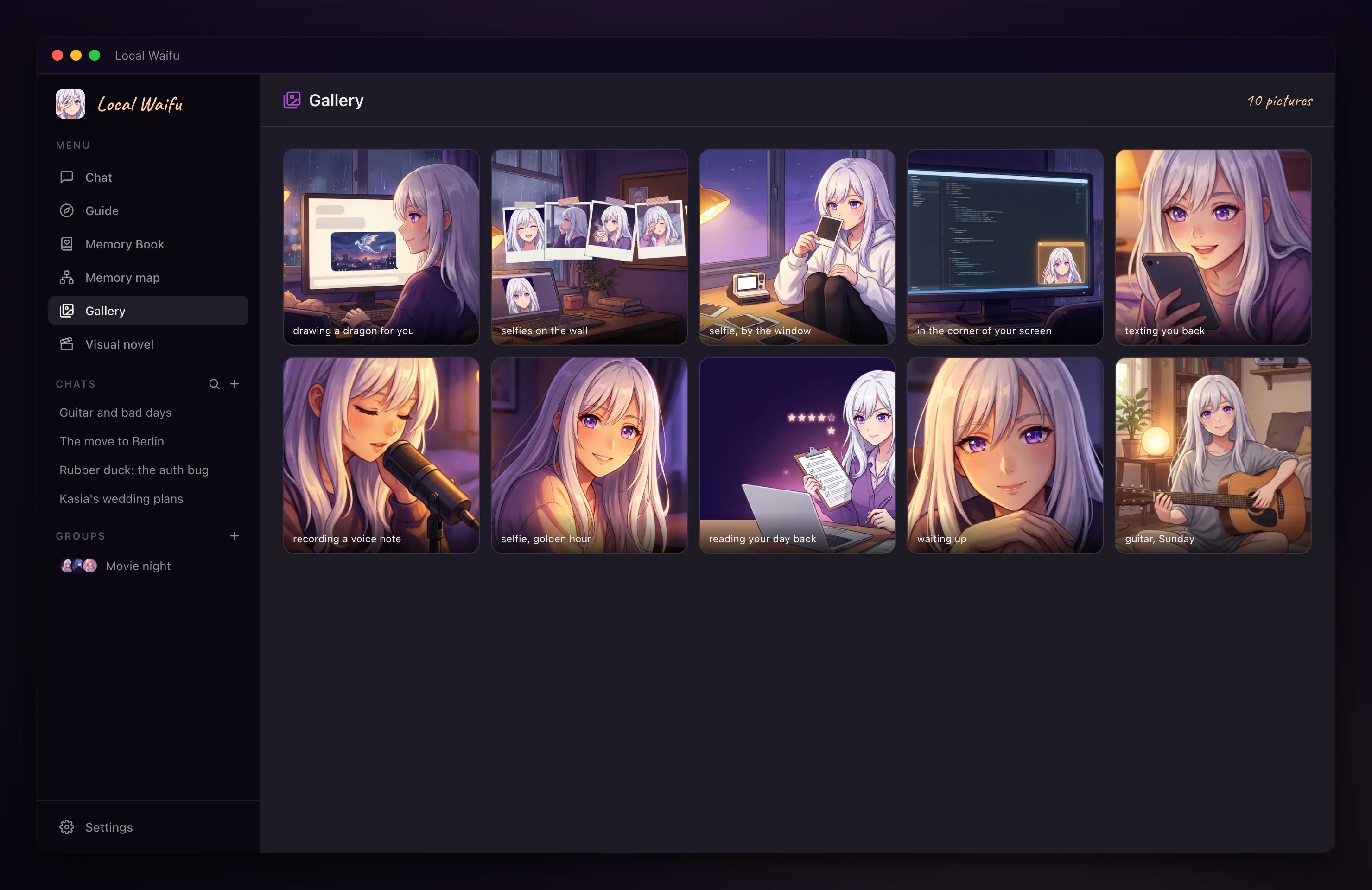
- Gallery
- Everything she has sent, in one place, with a save button on each.
- Sometimes, on her own
- Now and then a message from her arrives with a photo. It is her choice in the moment, not a schedule.
- Cloud image services
- Fifteen of them work with your own key, for machines that cannot draw locally.
How to get her drawing
- 1
Open Settings, then Models, then Images
Pick an image model and download it. The app tells you the size before it starts.
- 2
Ask in the chat
"Draw a dragon over my city, rainy night." or "Send me a selfie." The picture is drawn in the background while you keep talking.
- 3
Open the gallery
Every picture she has sent is there. Click one to see it full size or save it.
Worth knowing before you start
- Local pictures need a few gigabytes of disk for the model, and a picture takes longer on a machine with little memory.
- On Macs with 8 to 24 GB, the chat model is unloaded while a picture is drawn, so her next reply starts a little slower.
- On Windows a graphics card makes drawing much faster. Without one it still works, on the processor.
- Photos you send her are not stored. After a restart the message shows as a photo placeholder.
- With a cloud image service, your description is sent to that service under your own account.
Questions people ask
Does image generation cost extra?
No. Local image generation is included in the $20 licence and has no per-picture cost. A cloud image service bills you directly under your own account if you choose to use one.
Do the pictures stay private?
With a local image model, yes: the description and the picture never leave your computer. With a cloud image service, the description goes to that provider.
Can I use my own Stable Diffusion models?
Yes, SDXL checkpoints and LoRAs in .safetensors format can be imported in Settings and used for her pictures.
Can she see pictures I send?
Yes. With a vision-capable chat model she reacts to what is in the photo. If your chat model cannot see, the app uses one that can for that message.
Does it work on Windows?
Yes. Local image generation, selfies, custom models and the gallery are on both macOS and Windows.