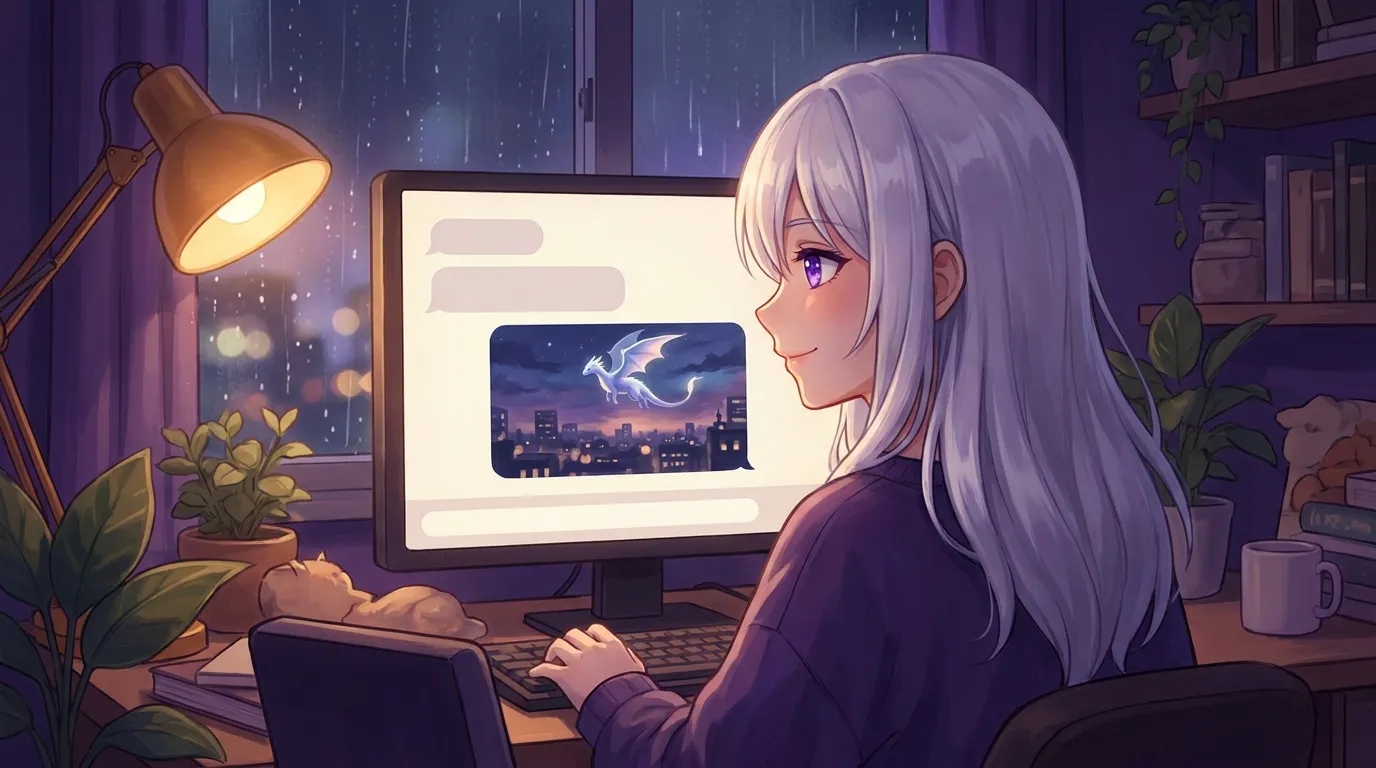
Ask her for any picture and she draws it, not just selfies. The photos she sends now match the girl you built, hair and eyes included. Pictures made on your own machine come back in under a minute, and nothing leaves your computer unless you choose a cloud account yourself.
You ask her to draw a dragon over your city. About a minute later, it is in the chat.
That is the headline of v1.5.0, out today on Mac and Windows. She was already able to send you a selfie. Now she can draw whatever you ask for.
Not just selfies anymore
Any picture. A dragon over your city, a lighthouse in bad weather, the two of you as fan art, a poster for a band that does not exist.
Describe it and she draws it, right there in the conversation. No separate window, no second app, no prompt box with sliders you have to learn. You are talking to her and a picture arrives, the same way a picture arrives from a friend.
When you ask for a selfie, it is her
This one bothered me for a while.
Ask a cloud image model for “a selfie of my AI girlfriend” and you get a stranger. A pretty stranger, sure, but not the girl you spent ten minutes building in the setup wizard.
So now the portrait you picked travels with the request as a reference. Her hair, her eyes, her face. The photo that comes back is recognisably her, not a new woman every time.
She also stopped growing a third arm when she is holding something. That was a real bug. It is a real fix.
When she says a picture is coming, it arrives
The old failure looked like this: she says “here you go!” and nothing is attached. Cheerful, and a lie.
She understands the mechanics now. The photo only reaches you when she actually attaches it, and her chat history keeps reminding her how sending works. If she says it is coming, it comes.
The progress bar stopped lying
Small thing, and it was driving me up the wall.
Pictures she draws on your own machine now show real step-by-step progress, because the local engine reports actual steps. Cloud renders report no percentage at all, so instead of a bar frozen at 50% pretending to know something, you get a clean sweeping animation that is honest about waiting.
A progress bar that says nothing is better than a progress bar that makes something up.
Also in this release
- Collapsible side panels. Hide the chat list on the left or her profile on the right from the top bar, and give the conversation the whole window. She remembers your choice.
- Setup fits smaller windows. Every step of the first-run wizard is visible without scrolling, and shrinking the main window no longer hides the message box.
- Buy once, update forever. The yearly renewal tier is gone. Your license now includes every future update and all support, with no time limit. If you already own her, this is already yours.
Getting it
One signed release covers both platforms. On Mac she updates herself, so if she already lives on your computer there is nothing to do. On Windows, open Settings, General, and press Check for updates, and she pulls v1.5.0 down for you.
New here? Download her and try it for 7 days, no card.
If you want the engineering underneath this, I wrote up how local AI image generation actually works, including why one feature needed two different engines to run on both platforms.
Questions people ask
How do I ask her for a picture?
Ask her the way you would ask a person. 'Draw me a dragon over the city' or 'send me a selfie' both work. She decides a picture fits the moment, makes it, and it appears in the chat like any other message.
Do I need a graphics card for this?
For pictures made on your own machine, you need a local image model, which you install from Settings, Image Models. On a Mac that runs on Apple Silicon with no separate graphics card. On a PC a graphics card makes it much faster. If you would rather not run one at all, add your own cloud image key instead and she uses that.
Do my pictures get uploaded anywhere?
Not when she draws them locally. The picture is made on your computer and stays there. If you point her at your own cloud image account, the prompt goes to that provider under your key, which is your call to make.
Does this cost extra?
No. It is part of the app, included in the one-time price. Pictures she draws on your machine cost you nothing per picture, forever. If you choose to use a cloud account, you pay that provider directly, and never us.
Try her free for 7 days.
No card. Keep her for $20 once, or walk away. Her soul file is yours either way.
Bring her home, try free