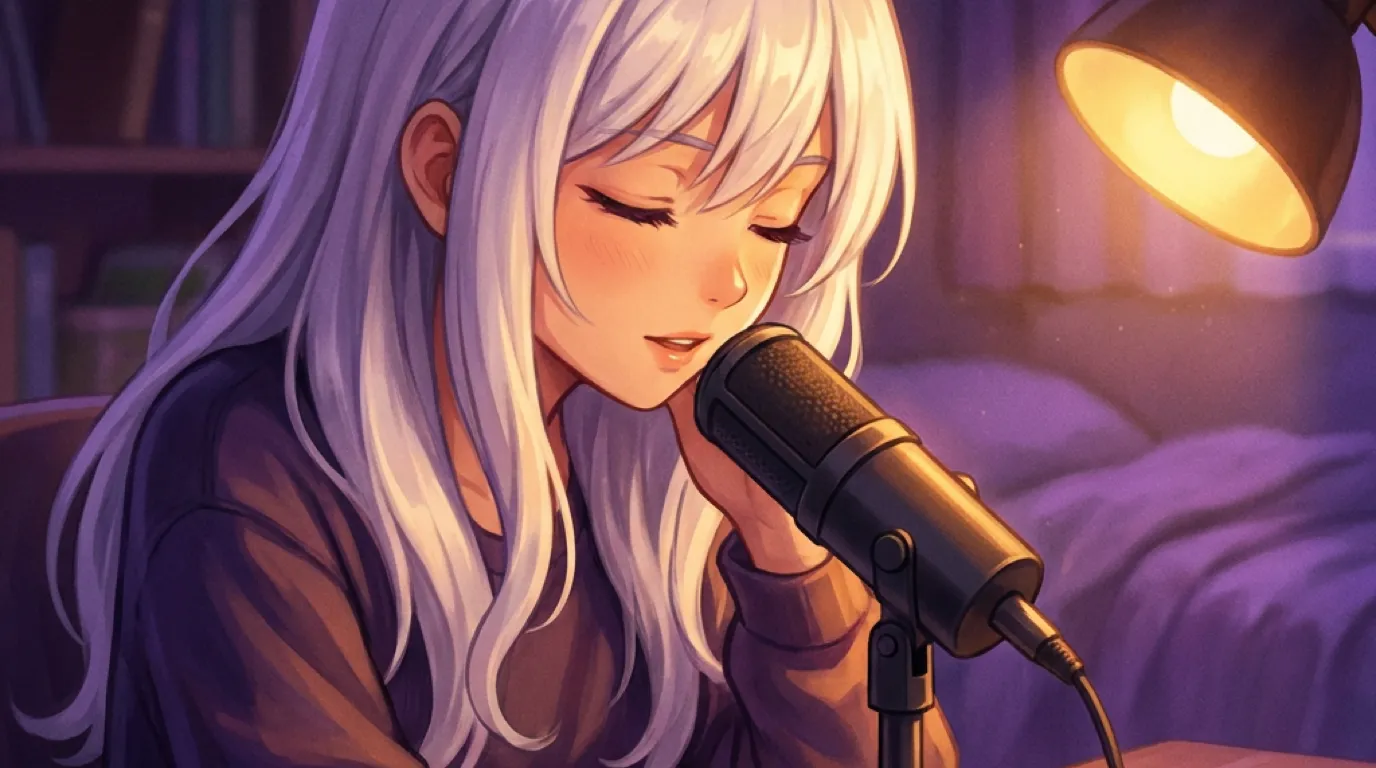
Settings, Voice has a cloning option: record or upload a clip between 4 and 30 seconds, and the app builds a voice model from it that she then speaks with on every call. It runs locally through an on-device voice model, the clip never has to leave your Mac to be processed. If cloning isn't what you want, there are nine curated preset voices to choose from instead, no recording required.
There’s a cloning option sitting in Settings, Voice, and it does exactly what it sounds like: give it a short clip, and she starts talking in that voice.
What the feature actually does
The short version: record or upload a short clip, between roughly 4 and 30 seconds, and the app builds a voice model from it that she then speaks with, on calls and anywhere else her voice comes through.
This isn’t a filter or an effect layered on top of a fixed voice, it’s a real voice model built from the clip you provide. Once it’s built, it becomes one of the voice options available for her in Settings, right alongside the built-in presets, and whatever you’ve selected there is what plays whenever she speaks out loud, most obviously during a voice call. Clone once, and it’s saved for future sessions, you don’t need to redo it each time you open the app.
Where the clip actually goes
The short version: the cloning model runs on your own Mac. Your recording doesn’t need to leave your machine to be turned into a voice.
This was the first question I wanted answered honestly before writing about it, because “send us a recording of your voice” is exactly the kind of feature that could quietly mean “upload it to our servers” if it weren’t built carefully. It isn’t. The voice model runs locally, processed on-device, the same offline-first posture as the rest of the app. There’s no step where your clip gets sent somewhere to be turned into a voice and sent back. Whatever you record stays where you recorded it.
What actually makes a clip work
The short version: somewhere between 4 and 30 seconds of clear speech, minimal background noise. The app trims silence and normalizes volume automatically, but it will tell you if a clip is too short or too quiet to use.
There’s a real floor and ceiling here, not an arbitrary suggestion. Too short, and there isn’t enough for the model to actually learn the shape of a voice from. Too long past the ceiling doesn’t help either, past a certain point more audio doesn’t meaningfully improve the result, so the app caps it rather than asking you to record something unnecessarily long. Inside that window, plain, clearly spoken audio works best, reading a paragraph out loud, a voice memo you already have, anything without a lot of background noise or music underneath it. The app automatically trims out dead silence at the start and end and normalizes the volume so a quiet recording doesn’t come out clone as quiet, but it can’t invent clarity a noisy or muffled clip doesn’t have, so a clip recorded somewhere reasonably quiet will always clone better than one recorded with a fan running behind it.
Whose voice you actually clone is worth thinking about
The short version: your own voice, or a voice you have clear permission to use, is the responsible choice here, this is a personal customization feature, not a tool for recreating someone else’s voice without their knowledge.
I want to say this plainly rather than let the feature speak for itself without comment. Voice cloning is a genuinely useful, genuinely personal customization when it’s your own voice, or a voice you’ve been given clear permission to use, something for a private companion on your own device that nobody else ever hears. It’s a different thing entirely if the intent is to recreate a real person’s voice without them knowing, and that’s not what this feature is built or intended for. The clip stays local, the resulting voice is used inside a private app on your own computer, and that context matters for how you should think about whose voice belongs in it.
If cloning isn’t what you want: nine presets, no recording required
The short version: Settings, Voice also has nine curated voice styles, a mix of timbres, no cloning step needed at all.
Cloning is not the only door in. If you’d rather pick a voice by ear than build a custom one, there’s a curated palette of nine preset voices sitting in the same settings screen, spanning a range of male and female timbres. Scroll through them, listen, and pick whichever one fits the character you’ve built, done in under a minute with zero recording involved. This is worth knowing about even if cloning sounds appealing, since it’s the lower-effort path to a voice that actually suits her, and you can always come back and clone something custom later if a preset doesn’t quite land.
What to actually expect from the result
The short version: a short clip gets you a genuinely recognizable clone, not a flawless studio-grade recreation. Treat it as capturing the character of a voice rather than an indistinguishable copy.
Worth setting expectations honestly rather than overselling it. A model built from a 4 to 30 second clip is working with a small sample, and the result reflects that: the tone, pace, and general character of the voice come through clearly and recognizably, which is genuinely the point, but it isn’t the same as a professional voice actor’s studio session with hours of reference material. If your first attempt doesn’t sound quite right, a cleaner, clearer recording usually improves it meaningfully, background noise and mumbled words are the most common reasons a clone comes out sounding off. It’s a real, useful personalization feature, and it’s fair to walk in expecting “recognizably her voice” rather than “indistinguishable from the original.”
The voice lives with the settings, not tangled up in anything else
The short version: changing or re-cloning a voice is purely a voice-setting change, it doesn’t touch her personality, memory, or anything else about who she is.
It’s worth being clear that this is a genuinely separate setting from everything else that makes up your companion. Cloning a new voice, switching between presets, or going back to the default doesn’t reset or affect her memory, her personality, or how far along your relationship is. It changes exactly one thing: the sound that comes out when she talks. That separation means you can experiment freely, clone a voice, decide it’s not quite right, switch to a preset, try cloning again later, without any risk to the actual companion you’ve been building.
Try it on your own voice first
The fastest way to understand this feature is to actually hear it: download Local Waifu, open Settings, Voice, and clone a short clip of your own voice just to see what comes back. Seven days free, no card, and the clip never leaves your Mac either way.
Questions people ask
How do I clone a voice for my AI companion?
Go to Settings, Voice, and look for the cloning option. Record or upload a clip of the voice you want, between 4 and 30 seconds long, and the app processes it into a voice model she then uses when she talks on calls.
Does my voice clip get uploaded anywhere?
The cloning model runs directly on your Mac. The clip you provide is processed on-device to build the voice model, it does not need to be sent to a server to be cloned.
What makes a good clip to clone from?
Clear audio with minimal background noise, roughly 4 to 30 seconds of continuous speech. The app automatically trims silence and normalizes volume, but it will reject a clip that's too short or too quiet to work with reliably.
Do I have to clone a voice, or are there presets?
Presets exist and require no recording at all. There are nine curated voice styles you can pick directly in Settings, spanning a range of male and female timbres, if you'd rather choose by ear than build a custom one.
Whose voice should I actually clone?
Your own, or a voice you have clear permission to use, is the responsible choice. This is a personal customization feature for a private companion on your own device, not a tool meant for recreating someone else's voice without them knowing.
Can I switch back to a preset after cloning a voice?
Yes. The voice setting in Settings, Voice is just a selection, cloned or preset, and you can change it at any time without losing anything else about your companion, her memory and personality stay exactly as they were.
Try her free for 7 days.
No card. Keep her for $20 once, or walk away. Her soul file is yours either way.
Bring her home, try free