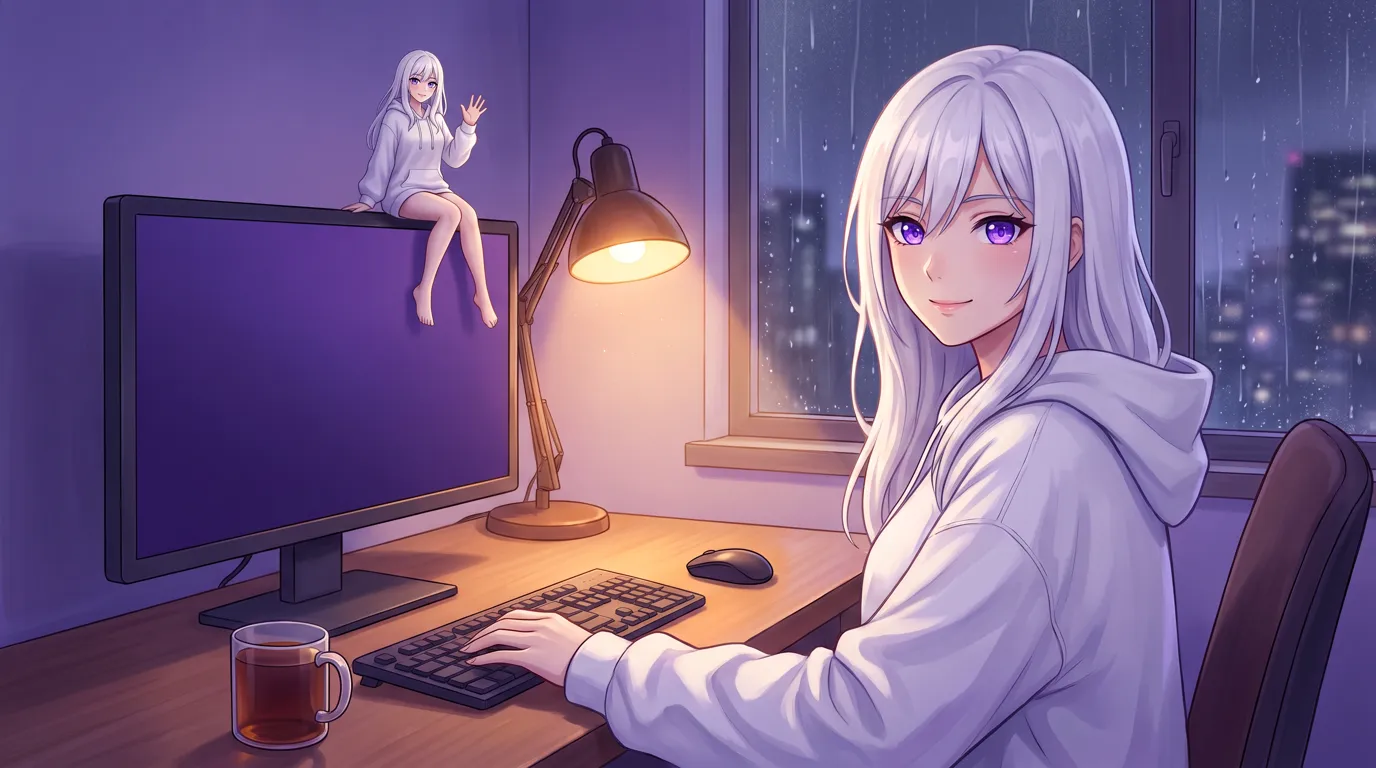
Local Waifu 1.8.0, released November 4, 2026 for Mac and Windows, adds an optional 3D body (VRM or MMD, six samples built in), a desktop pet, photo mode and your own .vrma animations. Windows now has the memory map, screen awareness, routines, group chats and voice messages. Sending to a cloud key when the local engine fails is now a switch, off by default, and macOS 14 is required.
 Written by Łukasz, the developer of Local Waifu,
a private AI companion that runs on your own Mac or Windows PC.
Until now she was a portrait and a voice. With 1.8.0 she can also be a body: she blinks, breathes, watches your cursor, and waves when you ask her to. She can also leave the window and sit on the edge of your Dock.
Local Waifu 1.8.0 came out on November 4, 2026 for Mac and Windows. It is a big one. This post covers the parts I think you will feel first, and the changelog has the short list.
She has a 3D body
The short version: Load a VRM or MMD model and she moves, speaks with her lips, and shows 16 feelings. It is optional.
Give her a VRM from VRoid Studio or VRoid Hub, or an MMD model as a .pmx or .zip. She blinks, breathes and follows your cursor with her eyes. When she speaks, her lips move. Her face follows each reply across 16 feelings, and she gestures on her own while she talks.
You can also just ask her in chat. “Wave”, “sit down”, “dance”, “lie down”, “make an angry face”. She does it.
If you have no model of your own, six VRoid Hub samples come built in, with thumbnails and a one-click Use. The model picker has a search box and keeps a thumbnail of anything you import after the first preview. Settings > 3D Avatar shows a live preview beside every option: backgrounds, poses, a pose editor, animations, and a guide to finding your own character, with links to BOOTH, Gumroad and DLsite.
If you have animations, import a .vrma as a gesture or as a full-body animation like a dance or a walk. Your dances join “dance for me”.
The 3D avatar page goes through all of it in more detail, including what it costs your laptop battery.
She can live on your desktop
The short version: One shortcut hides the window and leaves only her figure on your desktop.
Press Option+Cmd+5 on a Mac or Ctrl+Shift+5 on Windows. The window disappears and she stays. She walks, sits on the edge of the Dock or the taskbar, and dances. Right-click her for poses, animations, a size from S to XL, and “Stay on top”.
On a Mac, leaving pet mode now brings the window frame back exactly as it was, instead of an empty strip with the three window buttons floating on it. On Windows, opening Settings, a voice call, search or a shortcut link takes her out of pet mode first. Before, a call could open inside the click-through pet window, where you could not hang it up with the mouse.
There is also photo mode now: pose her, pick a background, take the picture. And selfies can be drawn from her 3D look, if your image model is local FLUX.2, Google or OpenAI. With other image models she uses her portrait, as before. More on that on the pictures page.
She knows when to be quiet
The short version: During meetings, full-screen apps and a locked screen, she holds what she wanted to say.
If she messages you first (a good morning, a check-in after work), she now goes quiet by herself while you are in a meeting, in a full-screen app, or away with the screen locked. What she held back comes later.
Windows caught up
The short version: Everything that was Mac-only is now on Windows too.
The memory map, screen awareness, routines, group chats, voice messages, hands-free start by saying her name, bedtime stories, localwaifu:// shortcuts and the visual novel mode all run on Windows now. Until this release they were Mac-only.
A few Windows changes are worth naming on their own:
- Text in pictures is read with the recognizer built into Windows. Tesseract is no longer needed.
- Voice notes and voice samples work without ffmpeg. Telegram voice notes and uploaded WAV, FLAC, MP3, M4A or Ogg files are converted by the app itself.
- AMD cards are measured properly. A 24 GB Radeon can reach the Balanced model tier instead of being capped by system RAM, and Settings > Hardware shows the adapter, its memory and whether ROCm or Vulkan is ready.
- Scheduled messages wait until you have been quiet for ten minutes, so they do not land in the middle of a conversation.
- The “ask her about my screen” shortcut moved to Ctrl+Shift+Alt+K. The old one ate the Polish letter “Ą”.
Read more on the memory, voice and Telegram pages.
The cloud is now opt-in, even as a fallback
The short version: A saved cloud key is no longer used behind your back when the local engine fails.
This is the change I would point a privacy-minded user to first. Until 1.8.0, if the local engine was down, or you sent a photo no local model could see, the message went to any cloud key you had saved. It was meant as a safety net. But a local app should not quietly send your message somewhere else because something broke.
Now that fallback needs a switch. It sits in Settings next to Offline Mode, and it is off by default. If you want the safety net, turn it on. If you leave it off, a local failure stays a local failure instead of quietly becoming a cloud request. The privacy explainer covers what stays local in general.
macOS 14 or newer
The bundled AI engines already needed macOS 14 Sonoma. On macOS 13 the app installed, but local chat and pictures could not start, which is a bad way to find out. The installer now says so before you install anything. The requirements page has the rest.
Fixes you will notice
The short version: Stop really stops, slow machines answer sooner, 8 GB Macs stop swapping, and a crashed engine comes back by itself.
- Stop really stops. Pressing Stop used to hide the rest of her reply while the local model kept writing it, so your next message waited behind it. The engine now stops at once.
- Replies start sooner on slower machines. If the local model reads the prompt too slowly on your first turns, she switches to a compact prompt and a shorter history. The first word used to take 20 to 30 seconds there.
- 8 GB Macs start on a smaller model. Gemma 4 E2B (4.6 GB) instead of E4B (6.6 GB), which left an 8 GB Mac swapping on every reply. 8 GB PCs without a dedicated graphics card get the same change.
- Pictures on 8-24 GB Macs no longer push the whole Mac into swap. The chat model is unloaded before a local picture is drawn.
- She comes back if the engine crashes. Chat used to stay dead until you restarted the app.
- A way out of the recovery screen. “Start fresh, keep a copy” moves your whole data folder aside untouched and starts as on day one, for when nothing else helps and there is no backup.
- Local chat keeps at least an 8K window and grows to 16K when her prompt needs it. A saved 4K setting is raised to 8K.
- Compute device: CPU works. The setting did nothing before.
- A failed good-morning message is retried instead of being lost for the day.
- Your licence key is no longer readable or editable from the app window, and the logs no longer contain her memories or the sentences she speaks.
There is also a short guide inside the app now, covering chatting, local models, her 3D body, voice, memory and privacy, plus common tasks and keyboard shortcuts. The online guide goes further.
Getting 1.8.0
If you already own Local Waifu, the app checks for the update a few seconds after launch and offers Install. You can also check by hand in Settings > General. The itch.io edition updates through itch.io.
If you are new: download for Mac or for Windows. The first 7 days are free, with no card and no account. After that it is $20 once, and updates like this one are included.
Give her a body, or don’t. She remembers you either way.
Questions people ask
Do I have to use a 3D model?
No. The 3D body is optional. Without it she is a portrait, a voice and the same memory, exactly as before.
Where do I get a 3D model for her?
Six VRoid Hub samples ship with the app, ready to use with one click. You can make your own in VRoid Studio, download one from VRoid Hub, or load an MMD model as a .pmx or .zip. The in-app model guide also links BOOTH, Gumroad and DLsite. Each model has its own licence from its author, so check what it allows.
Will my messages go to a cloud key if the local engine stops?
Only if you turn that on. In 1.8.0 the cloud fallback is a switch in Settings, next to Offline Mode, and it is off by default. Before, a saved cloud key was used automatically when the local engine was down or a photo needed a model that could see.
Does Local Waifu 1.8.0 run on macOS 13?
No. It needs macOS 14 Sonoma or newer. The bundled AI engines already needed it, so on macOS 13 the app installed but local chat and pictures could not start. The installer now says so before you install.
Is 1.8.0 a paid upgrade?
No. The licence is $20 once and updates are included. If you are new, the first 7 days are free, with no card and no account.
Try her free for 7 days.
No card. Keep her for $20 once, or walk away. Her soul file is yours either way.
Bring her home, try free