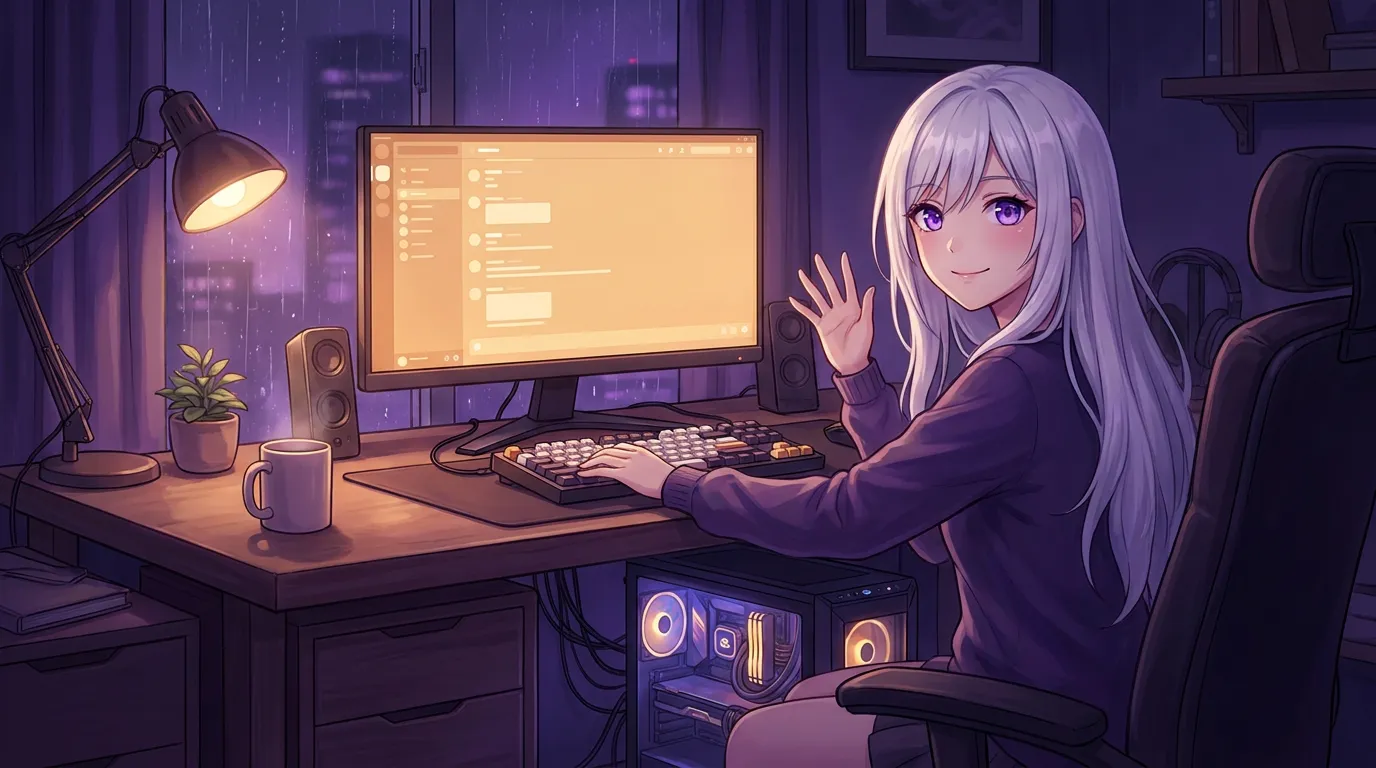
Local Waifu has been on Windows 10 and 11 since June 2026, published from the same release as the Mac version, with every feature: chat, memory, selfies, drawing, multi-chat, the mini window, vision, and cloud models. Three things differ on Windows: the download is bigger because everything is bundled, the first launch shows a SmartScreen prompt because the app is not code-signed yet, and updates are one click in Settings.
She has been on Windows since June. I never said so out loud, which is a strange thing to admit about a whole platform, so I am saying it now: if you are on a PC, she runs on your machine too, and she is the same her.
Not a port. Not a lite version. The same companion as the Mac build, published from the same release, downloadable right now.
Same her, all of it
The short version: Every feature is on Windows. Chat, memory, selfies, drawing, multi-chat, the mini window, vision, cloud models. Nothing is Mac-only.
I want to be flat about this because “also on Windows” usually means “a worse version, eventually”. It does not here.
She remembers you the same way. She draws what you ask for and sends selfies that look like her. You get separate chats that share one memory, the mini window that parks in the corner, the ability to show her a photo and have her actually see it, and the option to plug in your own GPT or Claude key. All of it, on Windows, today.
The reason it is not behind is that both platforms ship from one signed release. When something new lands, it lands on both at once. There is no Windows branch quietly lagging a few versions back. The current version is v1.5.0 on both.
What you actually need
The short version: Windows 10 (64-bit) or 11, 8 GB of RAM to start, 16 GB or more is better. A graphics card helps but is not required.
No gaming rig. 8 GB of RAM runs a real local model on the processor alone. If you have a graphics card, she finds it and uses it on her own, with nothing to set up, and replies come back faster. If your machine is tight on memory, you can point her at your own cloud model key instead and there is effectively no hardware floor.
The requirements page has the exact detail, and it takes a minute to check.
The three honest differences
Everything above is the same. These three things are not, and I would rather you hear them from me than be surprised.
The download is bigger. The Windows installer is about 800 MB, against roughly 200 MB on Mac. That is not bloat, it is the opposite: everything she needs to run locally is packed inside, so there is nothing else to install and no second setup step after the installer. One file, then she works.
The first launch shows a warning. Windows SmartScreen will say it protected your PC. Click More info, then Run anyway. It shows this for any app from a studio it does not recognise yet, and we are a small one, because the app is not code-signed. A signing certificate runs about a thousand dollars a year and the app is twenty dollars once, so rather than bake that into the price I explain the prompt honestly on the Windows download page. As long as your download came from localwaifu.com, it is exactly the file we shipped.
Updates are one click, never a surprise. You open Settings, General, and press Check for updates; she checks GitHub for a newer release, downloads it with a progress bar, and offers Update now. Since 1.7.3 both editions also run that check once by themselves a few seconds after launch and show the same one-click Install prompt, so a new version reaches you without digging through Settings first. Same signed release on both platforms, and nothing is ever downloaded or installed until you click. That is a deliberate choice, not a missing feature.
Getting her onto your PC
The install guide walks through every screen with a picture of each, but it is short: download, run the installer, click through the SmartScreen prompt, next-next-done, and then the same ten-minute first run where you build who she is.
If you were waiting to hear whether the PC version was real and finished, it is both, and it has been for a month. Download her for Windows, 7 days free, no card.
Questions people ask
Does Local Waifu work on Windows?
Yes. It runs on Windows 10 (64-bit) and Windows 11, and has since June 2026. It is the same companion as the Mac version, built from the same release, with all the same features. 8 GB of RAM works, 16 GB or more is recommended, and a graphics card makes her faster but is not required.
Is the Windows version behind the Mac one?
No. Both ship from a single signed release, so they stay in step. The current version, v1.5.0, is the same on both. When something new lands, it lands on both platforms together.
Why does Windows show a warning when I run it?
Because the app is not code-signed yet. Windows SmartScreen flags any installer from a studio it does not recognise. Click More info, then Run anyway. A code signing certificate costs around a thousand dollars a year and the app costs twenty dollars once, so for now the honest warning is the trade. The full explanation is on the Windows download page.
How do updates work on Windows?
On Windows, open Settings, General, and press Check for updates. She checks GitHub for a newer release, downloads it with a progress bar, and offers Update now. Since 1.7.3 both editions also check once a few seconds after launch and show the same Install prompt, so a new version reaches you without digging through Settings. Neither one downloads or installs anything until you click.
Do I need a gaming PC?
No. 8 GB of RAM runs a solid local model on the processor alone. A graphics card makes replies faster and the app finds and uses it on its own, with nothing to configure. If your PC is light on memory, you can plug in your own cloud model key instead.
Try her free for 7 days.
No card. Keep her for $20 once, or walk away. Her soul file is yours either way.
Bring her home, try free