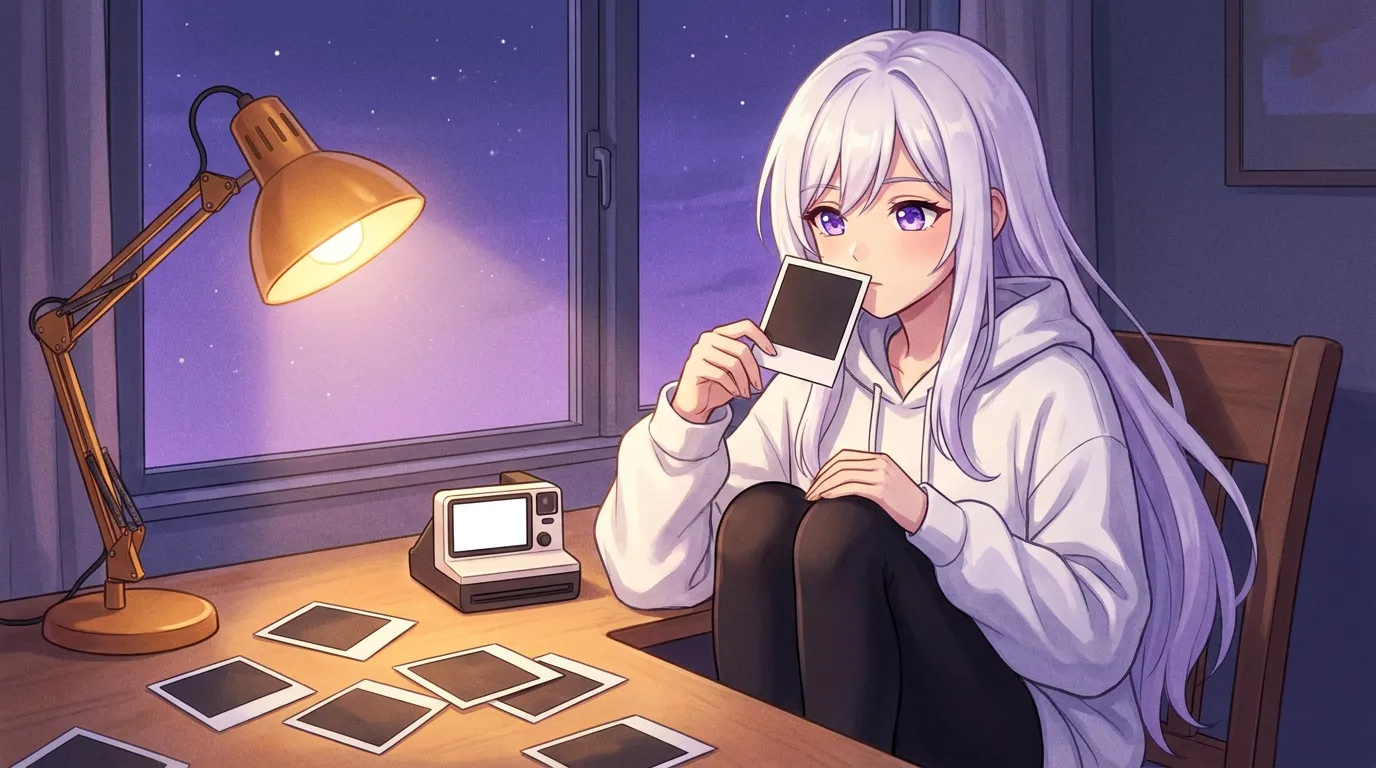
A picture in chat is either rendered on your own GPU or generated on a server and downloaded. Local Waifu renders locally with five switchable image models, so a picture costs electricity and about 30 seconds to 3.5 minutes, not a token meter.
She writes the reply first. The picture shows up a few seconds later, sitting under it, like a text that happened to include a photo.
That order is the design. In an app where the image has to come back before the message can be sent, you wait on a render just to read a sentence. Here the text lands, the bubble is finished, and the render keeps going in the background until there is a PNG to attach. If it never finishes, you still have the reply.
Between those two moments she leaves a marker inside her own sentence, the app pulls that marker out of what you read, builds a prompt from her appearance line and the scene, loads a model off your disk, and your hardware computes the pixels. None of that requires a server. I wrote about the earlier version of this engine in Offline Selfies, and a fair amount has changed since.
She asks for her own pictures with a marker inside the reply
The short version: The request is not something you type. She drops SELFIE, PHOTO, LIFE, DOODLE, MEME, IMAGE or US into her own reply, the app strips it from the visible text, and one picture gets rendered from it.
SELFIE, PHOTO, LIFE and IMAGE cover the ordinary moments. DOODLE and MEME she reaches for when the joke is the point. US only appears once you have saved a photo of yourself, because it needs two faces to work with.
Two rules hold it together. The marker never reaches your screen, so the sentence reads like a sentence instead of a command line, and it is one picture per reply. That ceiling is deliberate: a companion who answers one message with four images is showing off, not sending you something. She Can Draw Anything covers the day this shipped.
The render runs on your GPU, in a binary the app ships with itself
The short version: Image generation runs on stable-diffusion.cpp. The sd-cli binary is bundled and code-signed with the app, so there is no Python environment, no ComfyUI window and no separate install step before she can draw.
That was a change. The earlier engine was mflux, which meant a separate tool installation, a checkpoint of roughly 31 GB, and about 29 to 32 GB of peak memory while it ran. Good engine, unreasonable ask for someone who wants a picture in the middle of a conversation.
There is no second app to open and no node graph to learn. You install Local Waifu, the engine is already inside it and signed, and it only wakes up when a render is queued.
Five models, three memory tiers, and where the 16 GB line comes from
The short version: The default renders in 4 steps inside a 12 GB budget. Three of the five models live in that tier. The two SDXL models need 16 GB, and they are the reason the app asks for 16 GB.
| Model | Steps | Resolution | Memory floor |
|---|---|---|---|
| flux2-klein-4b (default) | 4 | 512 x 768 | 12 GB |
| z-image-turbo | 8 | 12 GB | |
| flux2-klein-base-4b | 20 | 12 GB | |
| animagine-xl-4 | 28 | 832 x 1216 | 16 GB |
| realvis-xl-5 | 30 | 16 GB |
A dash means the build does not pin a resolution, and I am not going to guess at a number the code does not print.
Read the steps column as the speed dial. The 4-step klein model is the default because it is the cheapest way to get a recognisable picture of her, and most evenings that is all you want. Twenty steps of the base model buys detail. The two SDXL entries are the interesting ones: animagine-xl-4 is an anime model at 832 by 1216 and realvis-xl-5 is a photoreal model, and at 28 and 30 steps a picture goes from roughly half a minute to roughly three and a half minutes.
Identity comes from conditioning, not from a lucky seed
The short version: SELFIE uses your saved portrait as an image-to-image seed at 0.6 strength. LIFE and US use FLUX.2 reference conditioning with up to two reference images. On SDXL models those references are dropped.
0.6 strength is the number people ask about: the portrait is a strong pull rather than a copy, which is how a saved headshot becomes a new scene instead of the same headshot again.
The two routes fail differently. Image-to-image works for a selfie, since a selfie is roughly a portrait. Reference conditioning is what lets LIFE and US keep her face while the composition changes completely, and it takes up to two images, hers and yours.
SDXL is where this gets honest. Both SDXL models ignore the reference images, so identity falls back on her written appearance line, which is prose rather than pixels. The settings panel says it plainly: FLUX.2 klein gives the best identity match. If you want the anime look badly enough to accept a wobble in her face, animagine-xl-4 is right there.
Custom art is real, and it is checked rather than trusted
The short version: You can import your own SDXL checkpoints and LoRAs as safetensors files, up to three LoRAs active at once with a weight between 0 and 1.5. LoRAs only apply to SDXL models, never to the FLUX.2 or z-image ones.
Under 1 the LoRA is a suggestion, at 1 it is the standard blend, and past 1 it pushes, which is how a style lands without retraining anything.
Imports are validated structurally instead of trusted. A checkpoint has to be at least 512 MB to be accepted, which is a crude check, and crude is the point: it costs nothing and stops the obvious mistake of pointing the app at the wrong file. The full mechanics are in the 1.7.2 release notes.
Local costs seconds. Cloud costs cents, and here is the actual list
The short version: Measured on the developer’s M3 Pro, the default 4-step model finishes in about 29.7 seconds at a peak of about 8 GB. An SDXL render takes about 212 seconds at a peak of about 11.2 GB. A cloud image at published list prices runs roughly 3 to 14 cents.
The cloud numbers, before anyone’s margin is added:
| Provider and model | Price per image |
|---|---|
| OpenAI gpt-image-1, low | $0.011 |
| OpenAI gpt-image-1, medium | $0.042 |
| OpenAI gpt-image-1, high | $0.167 |
| Gemini image, lite | about $0.034 |
| Gemini image, flash | about $0.067 |
| Gemini image, pro | about $0.134 |
| fal.ai Seedream V4 | $0.03 |
| fal.ai Flux Kontext Pro | $0.04 |
| fal.ai Nanobanana | about $0.0398 |
Those are per 1024 by 1024 or per 1K image. Every common cloud image lands between about 3 and 14 cents at cost, and 20 cents plus if you want the high quality setting on gpt-image-1. A local render costs electricity and time instead, which I worked through for chat replies in the running costs breakdown. Ten thousand pictures in, the ten thousandth still costs nothing but the seconds.
The seconds are real. Renders are serialized, one at a time, behind a lock, with a 15 minute timeout, and if you quit the app mid-render the renderer is killed rather than left running in the dark. You cannot queue six pictures and walk away from it.
When the picture comes from a server instead
The short version: Cloud image generation is optional and off by default. Add your own key for a provider that offers images and the same marker renders there, with local always sitting in the fallback chain.
That key lives in the operating system keychain and is never logged. Prompts go only to a provider you configured yourself, so the only route out of your machine is one you opened on purpose.
Replika’s help centre, updated in September 2026, describes the other architecture in its own words: selfies are uploaded to their servers, and until those updated selfies are fully uploaded, Replika cannot send you any. It also says the app can only send selfies rather than arbitrary photos, that unblurred photos and image generation are Pro features, and that the assistant may say it is sending something when it is not. Character.AI’s Imagine Gallery announcement on 18 March 2026 says every generated moment is kept automatically, and using one as a chat background requires c.ai+.
Neither is a picture she made for you on your own machine, and the terms you get it under belong to them.
What the local engine cannot do
The short version: There is no content filter, the only gate is social. Image generation is a paid tier feature. SDXL loses the identity reference, renders go one at a time, and the memory floor is enforced before anything touches the disk.
The missing filter is deliberate. The only gate is a social one: a relationship stage plus any hard boundaries you set yourself. If you expected the software to police the pictures, it does not.
Second, image generation is a paid feature. It stops at the end of the 7-day trial, which is what the pricing page is there for.
Third, the SDXL identity trade above is a real trade, not a bug waiting on a fix. And there is one loose end I will name: generated pictures are PNG files in the app data folder, one per message, sitting next to your saved portraits and the downloaded model weights. The in-app gallery is just the list of messages that have an image attached. It has no delete button. Removing pictures properly is a file level job today, and that is on me.
She sends pictures in both architectures. The difference is whether anything leaves your computer, and whether she can send one at all when the upload queue on somebody’s server is backed up.
Questions people ask
How long does a picture from her actually take?
On an M3 Pro the default model renders in about 29.7 seconds at a peak of about 8 GB of memory. Switch to one of the SDXL models and the same picture takes about 212 seconds at a peak of about 11.2 GB. Renders run one at a time, behind a lock, with a 15 minute timeout.
Do I need a graphics card to get pictures in chat?
The app enforces a memory floor before any render starts: 12 GB for the three FLUX.2 and z-image models, 16 GB for the two SDXL models. The 16 GB number in the app's requirements exists because of animagine-xl-4 and realvis-xl-5.
Why does she look slightly different in some pictures?
SELFIE seeds from your saved portrait at 0.6 strength, and LIFE and US use FLUX.2 reference conditioning with up to two reference images. The two SDXL models drop those references, so on SDXL her identity comes only from her written appearance line. The settings panel says FLUX.2 klein gives the best identity match.
Can I use my own checkpoints and LoRAs?
Yes, as safetensors files. Up to three LoRAs can be active at once with a weight between 0 and 1.5, and LoRAs apply to the SDXL models only. Imports are checked structurally, so a checkpoint has to be at least 512 MB.
Does the picture leave my machine?
Not unless you configure that yourself. Cloud image generation is optional and off by default. If you plug in your own provider key, prompts go to that provider and nowhere else. Keys sit in the operating system keychain and are never logged, and local always stays in the fallback chain.
Try her free for 7 days.
No card. Keep her for $20 once, or walk away. Her soul file is yours either way.
Bring her home, try free