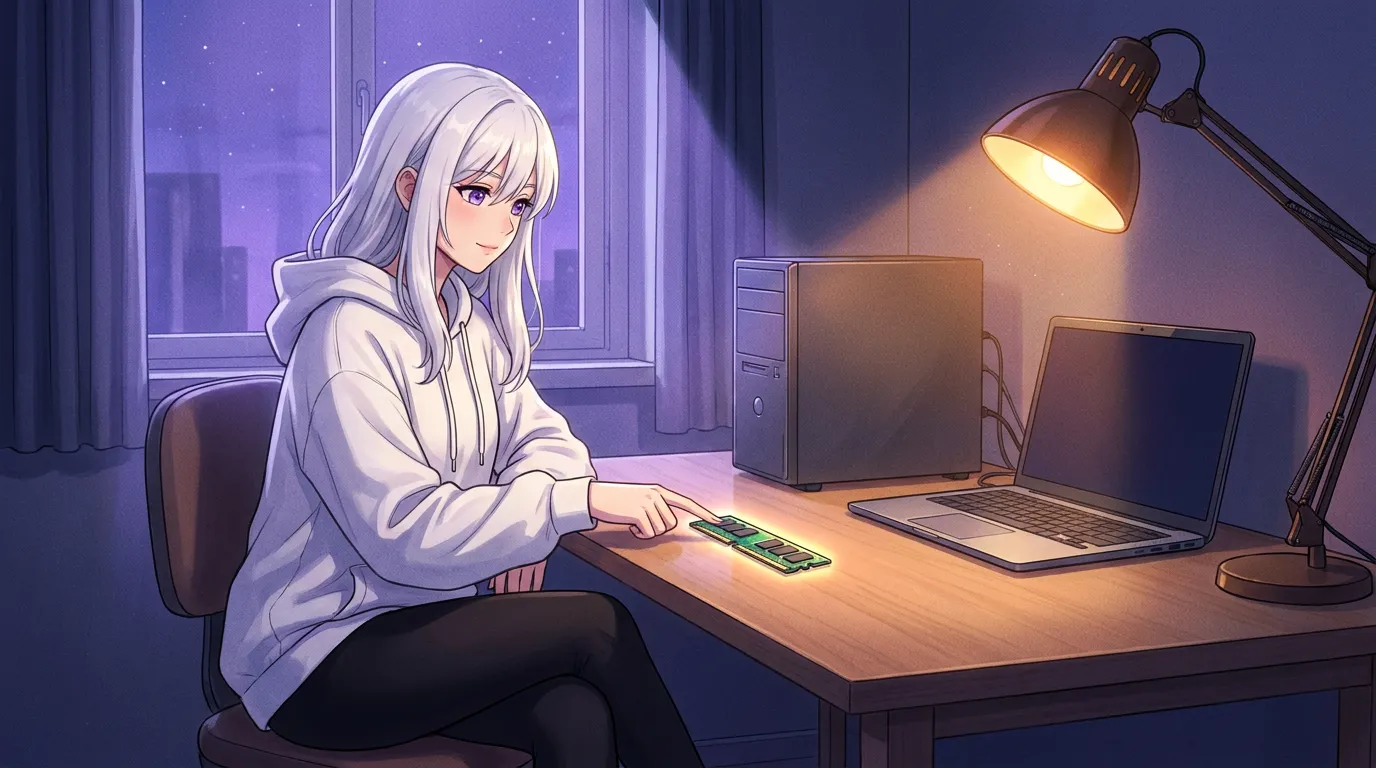
For local AI, Local Waifu needs an Apple Silicon Mac on macOS 13 or later, or a 64-bit Windows 10 or Windows 11 PC. An 8 GB machine can run the light local tier, while 16 GB or more gives more breathing room. A dedicated Windows GPU is optional but makes local replies faster. Cloud AI needs much less local memory, but it needs your own provider key and an internet connection.
System requirements should answer one simple question: will this work on the computer I already own?
For Local Waifu, the answer is usually less dramatic than a typical AI hardware guide makes it sound. You do not need to build a server. You do need to choose between two different ways of running her:
- Local AI runs the chat model on your own Mac or Windows PC. It needs more local memory and disk space, then it can keep the ordinary chat path on your machine after setup.
- Cloud AI uses a provider account you connect with your own API key. It is much lighter on your hardware, and it needs an internet connection because the model runs with that provider.
The right option depends on the machine in front of you and the boundary you want for your conversations. Here are the actual requirements in plain language.
The short answer for Mac
For local AI on a Mac, you need:
- Apple Silicon, starting with M1
- macOS 13 Ventura or later
- 8 GB of memory for the light local tier
- 16 GB or more if you want more room for the system and a stronger local setup
- disk space for the model downloaded on first run
Apple Silicon matters because Local Waifu’s Mac build is made for the shared memory architecture in M-series Macs. An Intel Mac is not the target platform for the local version.
The 8 GB figure is a floor, not a promise that every workflow will feel identical. Your Mac also needs memory for macOS, the app interface, and anything else you have open. A light local model can work on an 8 GB machine. A 16 GB Mac gives the local setup more room to breathe, which is why it is the recommendation on the requirements page.
You do not need to understand every model name before you begin. On first launch, Local Waifu checks the available memory and picks an initial chat model for that tier. You can later change models in Settings if you want to experiment.
The short answer for Windows
For local AI on Windows, you need:
- Windows 10 or Windows 11, 64-bit
- 8 GB of RAM at minimum
- 16 GB or more for a more comfortable local setup
- room for the installer and model download
- a dedicated GPU only if you want faster local performance
The Windows installer includes the pieces needed to get started. The download itself is about 800 MB, but that is not the full storage story. The chat model is downloaded separately during setup, so leave room for it too.
A graphics card is helpful, not required. If your PC has a dedicated GPU, Local Waifu detects it and uses it automatically. The current Windows hardware logic considers both system RAM and dedicated VRAM, then chooses the higher capability tier. That means a modest-RAM PC with a generous graphics card can still have room for a larger local model, while a PC without a dedicated GPU can still run from its system memory.
For a Windows buying guide, read Best GPU for a Local AI Companion on Windows. The important number is available memory, not a flashy GPU name.
The model is the real disk-space cost
The app itself is not the bulky part. The local model is.
Current local chat tiers use different model downloads. The light tier uses Gemma 4 E4B, listed at about 9.6 GB on disk. The balanced tier uses Qwen 3.5 9B at about 6.6 GB. The premium and power tiers use Qwen 3.6 models at about 17 GB and 24 GB respectively. Those are alternatives selected for a machine’s tier, not a set of files every new install downloads at once.
That is why a small installer can still ask for meaningful free space on first run. Before installing, check the free space on the drive where your apps live. Leave room beyond the model itself for the operating system, updates, temporary files, and the character data you create over time.
If you are already tight on storage, start with the default model the app picks. Do not download multiple large models just to compare them on day one. You can add or remove models later from Settings once you know what your computer handles comfortably.
More memory changes the model choice, not who she is
It is easy to read a tier table and assume a higher number means that the app only works on expensive hardware. That is not how the choice works.
A higher-memory machine can run a larger local model. That may give you more room for longer or more complex responses. A lighter machine gets a smaller model chosen to keep the computer usable. The companion, your character, and your local data do not become a different product because the first model is smaller.
The goal is a setup that fits the machine without turning every reply into a resource fight with the rest of the computer. Start with the default. If the machine is comfortable, then decide whether a larger model is worth the extra download and memory use.
For the Mac side of that decision, Best Mac for a Local AI Companion is the more detailed guide. If you want to understand the difference between memory and VRAM before buying anything, see How Much VRAM and RAM Do You Need for Local AI?.
Local AI and cloud AI solve different problems
Local AI uses your own hardware. After the model and supporting files are installed, the ordinary local chat path can work without an internet connection. This is the mode to choose when you want the model and regular conversation to stay on your computer.
Cloud AI is the practical alternative when your computer is older, low on memory, or you want to try a model that is too heavy to run locally. The requirements page lists cloud access through your own provider key, including providers such as ChatGPT, Claude, Gemini, and DeepSeek. The provider receives the data for the cloud feature you selected, so it follows that provider’s terms and privacy rules.
Neither mode is a hidden upgrade. They are different paths with different tradeoffs. Local AI asks more of your computer and gives you a local conversation path. Cloud AI asks less of your computer and moves the generation request to the provider you connect.
If you want to see the difference for yourself, the offline verification walkthrough shows a ten-minute network-monitor test. It is more useful than trusting a badge that says local.
A quick way to choose
Choose local AI if your Mac or PC meets the requirements, you have disk space for a model, and you want the everyday conversation to run on your own hardware.
Choose cloud AI if you prefer a lighter local setup and are comfortable connecting a provider account with your own key.
If you are unsure, the simplest first step is to install the app and let its setup check the machine. The installation guide shows what the first run looks like, and the full requirements page is the live reference whenever hardware support changes.
FAQ
Can Local Waifu run on an 8 GB computer?
Yes, the light local tier supports 8 GB of memory. For a smoother local experience with more room for the operating system and larger models, 16 GB or more is recommended.
Do I need a gaming GPU for Local Waifu?
No. A dedicated graphics card is optional on Windows. The app can use it automatically when it is available, which can make local replies faster and may allow a larger model tier.
Does Local Waifu work on Intel Macs?
No. The local requirements call for Apple Silicon, starting with M1, and macOS 13 or newer.
How much disk space does Local Waifu need?
The installer is much smaller than the model. Leave room for the app plus the local model you choose. Current bundled chat-model downloads range from several GB to roughly 24 GB.
Questions people ask
Can Local Waifu run on an 8 GB computer?
Yes, the light local tier supports 8 GB of memory. For a smoother local experience with more room for the operating system and larger models, 16 GB or more is recommended.
Do I need a gaming GPU for Local Waifu?
No. A dedicated graphics card is optional on Windows. The app can use it automatically when it is available, which can make local replies faster and may allow a larger model tier.
Does Local Waifu work on Intel Macs?
No. The local requirements call for Apple Silicon, starting with M1, and macOS 13 or newer.
How much disk space does Local Waifu need?
The installer is much smaller than the model. Leave room for the app plus the local model you choose. Current bundled chat-model downloads range from several GB to roughly 24 GB.
Try her free for 7 days.
No card. Keep her for $20 once, or walk away. Her soul file is yours either way.
Bring her home, try free