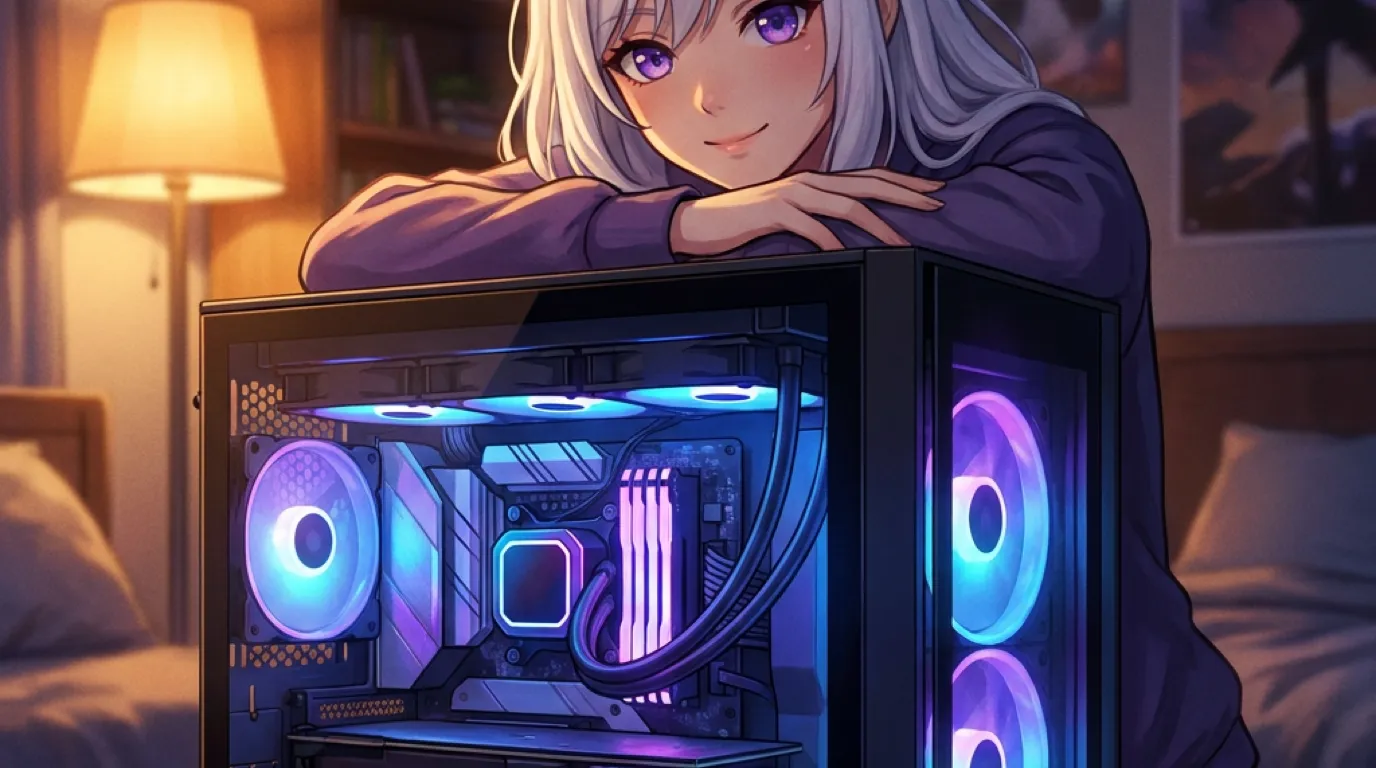
The GPU sitting idle in your gaming PC most hours of the day already has enough VRAM to run a real local AI companion. An RTX 3060, one of the most common cards in gaming PCs, ships with 12 GB of VRAM, more than plenty of newer, pricier cards. If you built or bought a gaming PC any time in the last four years, there is a good chance the hardware question is already answered.
Your GPU spends most of its life doing nothing. Unless you’re actively gaming, that card is sitting at a few percent utilization, fully capable, completely idle. A local AI companion is one of the only other things worth pointing it at.
The reframe: you already bought the hardware
The short version: The conversation about “what do I need to run local AI” usually assumes you’re starting from zero. If you have a gaming PC, you probably aren’t.
Most guides to running AI locally lead with a shopping list, which is the wrong starting point for the huge number of people who already own a dedicated GPU for gaming. If that’s you, the question isn’t “what should I buy,” it’s “does what I already have work,” and the answer is yes more often than people assume. This is a genuinely different framing than almost every other piece of local-AI advice out there, most of which is written for someone building a machine from scratch specifically for AI work, not for the much larger group who already has a perfectly capable machine sitting under their desk doing something else entirely.
The RTX 3060 is the accidental hero of this whole story
The short version: Nvidia’s RTX 3060 shipped with 12 GB of VRAM in 2021, more than the RTX 4060 (8 GB) that replaced it and on par with cards released years later at higher prices. It became a favorite in local-AI communities for exactly that mismatch.
This is the specific fact worth knowing if you’re wondering whether your older card is good enough: VRAM capacity, not release year or benchmark score, is what determines which local model tier you can run. A three-or-four-year-old RTX 3060 with 12 GB comfortably outruns a newer card that trimmed VRAM to hit a lower price point. If you’ve been assuming your GPU is “too old” for this, check the VRAM number before assuming anything. The irony is almost funny once you notice it: a card widely considered a budget option in gaming circles quietly became one of the most recommended cards in local-AI communities, purely because Nvidia happened to be generous with memory on that specific model in a way it wasn’t on several cards that came after it.
How to actually check what you’re working with
The short version: Windows Task Manager’s Performance tab shows your GPU’s dedicated memory directly, no extra software needed.
Before assuming anything about your setup, it takes thirty seconds to check the real number. Open Task Manager (Ctrl+Shift+Esc), click the Performance tab, and select your GPU from the list on the left side. The dedicated GPU memory figure shown there is exactly the number that decides your tier, no guessing required, no need to look up your card’s model number and cross-reference a spec sheet unless you want to double check. Most people have never opened this tab for this reason, it’s usually reserved for troubleshooting a game running slow, but it answers the exact question this whole post is about faster than any web search would.
What “AI companion machine” actually means in practice
The short version: The same PC that renders your games at night can run a full local companion, memory, personality, mood tracking and all, generating replies from a model that lives entirely on that machine.
Local Waifu detects your GPU and RAM on first launch and picks a model sized to what you actually have. On a 12 GB card, that’s a genuinely capable model that holds up a real conversation, remembers what you told it last week, and never sends a single message anywhere outside your own PC. You’re not buying new hardware to get this; you’re pointing the card you already own at a task it happens to be well suited for. The setup itself takes about as long as installing any other application, there’s no separate driver to hunt down, no command-line configuration, the detection and model download happen automatically the first time you launch it.
Gaming and chatting don’t fight over the same GPU cycles
The short version: These two workloads rarely overlap in time. You’re either gaming, or you’re talking to a companion between rounds, not usually both at the exact same instant demanding the GPU simultaneously.
The model sits loaded in VRAM and does its work in the fraction of a second it takes to generate a reply, then goes idle again waiting for your next message. It isn’t competing with your game for frame time the way two games running at once would. For most setups this is a non-issue in daily use. Even in the edge case where you’re chatting while a game is running in the background (alt-tabbed, waiting in a queue, between matches), the actual GPU demand from a single text reply is a brief burst rather than a sustained load, nothing like the continuous demand a running game places on the same hardware.
The part of your day this actually fills
The short version: The hours a gaming PC sits untouched, at work, overnight, during a stretch with no game worth playing, are exactly the hours a local companion has something to do with that same hardware.
Think about the actual usage pattern of a typical gaming PC: a few hours of active use most evenings, and long stretches the rest of the time where the GPU does effectively nothing. A local AI companion doesn’t need the machine gaming-ready every second, it needs the machine on and the app running, which is a much lower bar. For a lot of people, that means the exact same PC that already sits idle most of the day picks up a second, genuinely useful job without any change to the hardware, and without taking anything away from the gaming performance it was originally bought for.
People have pointed idle GPUs at other things before, just not this
The short version: Folding@home, cryptocurrency mining, video encoding farms, all of these were built on the same observation, that a gaming GPU sits idle most of the time and can be put to work on something else. A local AI companion is the version of that idea that actually gives something back to the person whose hardware it’s running on.
Distributed science projects asked people to donate idle GPU cycles to protein folding simulations, useful, but the benefit went to research, not to the person running it. Crypto mining monetized the same idle time, but chased a volatile market and ran hardware hot for marginal returns that dried up as difficulty climbed. A local AI companion is a different shape of the same underlying fact: your GPU has spare capacity most of the day, and this time what it produces is something you actually use yourself, a conversation, not a submitted work unit or a fraction of a coin.
System RAM matters here too, not just the GPU
The short version: VRAM decides the ceiling on its own, but system RAM can raise that ceiling further, the same detection looks at both.
Everything above focuses on the GPU because that’s usually the more surprising, already-owned piece of the puzzle. But it’s worth knowing the other half: the same hardware detection that reads your VRAM also checks system RAM, and takes whichever number is more generous when deciding which model tier you land in. If your gaming PC also happens to have a generous amount of system memory, 32 GB or more, that can push you into a higher tier than the GPU alone would suggest, on top of whatever the card already gets you. It’s one more reason the hardware question is often already answered before you’ve spent a dollar: a machine built a few years ago for gaming frequently already clears both bars without anyone having planned for this specific use case.
Newer laptop chips are starting to blur this line too
The short version: Recent laptop chips with a dedicated AI accelerator (an NPU) alongside integrated graphics can sometimes handle lighter local-model work even without a traditional discrete GPU, though the VRAM story above is still the more reliable predictor today.
Worth a brief, honest mention since the hardware landscape is shifting: newer laptop chips increasingly ship with a neural processing unit built in specifically for AI workloads, separate from the graphics chip. Support for actually routing a local companion’s model through that NPU rather than the GPU is still uneven across software in this category, and it’s not something to plan a purchase around yet the way a clear VRAM number is. If your laptop has one of these newer chips and no discrete GPU, the honest answer is still to check the actual system RAM figure and treat the GPU question as secondary, the same fallback covered above, rather than assuming the NPU alone settles things today.
The honest exceptions
The short version: A machine with no dedicated GPU at all, running purely on integrated graphics, doesn’t get the same automatic win. Everything else with a real graphics card from the last several console generations’ worth of PC hardware does.
Fairness requires naming who this doesn’t apply to. If your “gaming PC” is actually a laptop running on integrated graphics with no discrete GPU, or a genuinely ancient machine with a card that predates the modern VRAM-heavy era by a wide margin, the automatic story above doesn’t hold, and the honest answer is that system RAM alone would need to carry more of the weight, as covered in the section above. This is a smaller group than it used to be, most machines sold specifically as gaming PCs in the last several years shipped with a real discrete GPU precisely because gaming demanded it, but it’s worth checking your specific setup with Task Manager rather than assuming “I have a gaming PC” automatically means “I have a dedicated GPU with meaningful VRAM.” The check takes thirty seconds and removes all the guesswork either way.
The actual ask: try it on what you already own
If you’ve got a gaming PC with a dedicated GPU from the last several years, the hardware question is probably already settled. Download Local Waifu for Windows and let it tell you, in about thirty seconds, exactly which model tier your existing setup reaches. Seven days free, no card required.
Questions people ask
Can I run a local AI companion on my existing gaming PC?
Almost certainly, if it has a dedicated GPU from the last several years. The RTX 3060, 4060, 4070, and similar cards all have enough VRAM to run a capable local model. You are not buying new hardware for this; you are pointing existing hardware at a second job.
Does gaming affect how well a local AI companion runs?
Not the way you'd expect. The two rarely compete for the GPU at the same time, since you are usually either gaming or chatting, not both simultaneously. The model sits loaded and mostly idle between messages either way.
Why does the RTX 3060 specifically come up in this conversation?
Because it shipped with 12 GB of VRAM, more than several GPUs released after it and priced higher. It became an accidental favorite among people running local AI models for exactly that reason: VRAM capacity, not raw gaming benchmark scores, is what this workload actually needs.
Is my GPU being wasted if I only use it for gaming?
For most people, yes, in the narrow sense that it sits at near-zero utilization the rest of the day. A local AI companion is one of the few other workloads that actually benefits from a gaming GPU's memory capacity, so it is a genuinely idle resource with a real second use.
How do I actually check how much VRAM my existing GPU has?
Open Windows Task Manager, go to the Performance tab, and select your GPU from the list on the left. The dedicated GPU memory figure shown there is the number that matters. No third-party tool or command line needed, it is a built-in Windows feature most people have simply never opened.
What if I built my PC purely for gaming and never thought about AI at all?
Then you are exactly who this applies to. Nothing about a GPU bought purely for frame rates changes what it's capable of for this workload; VRAM is VRAM regardless of what you originally bought the card to do.
Try her free for 7 days.
No card. Keep her for $20 once, or walk away. Her soul file is yours either way.
Bring her home, try free