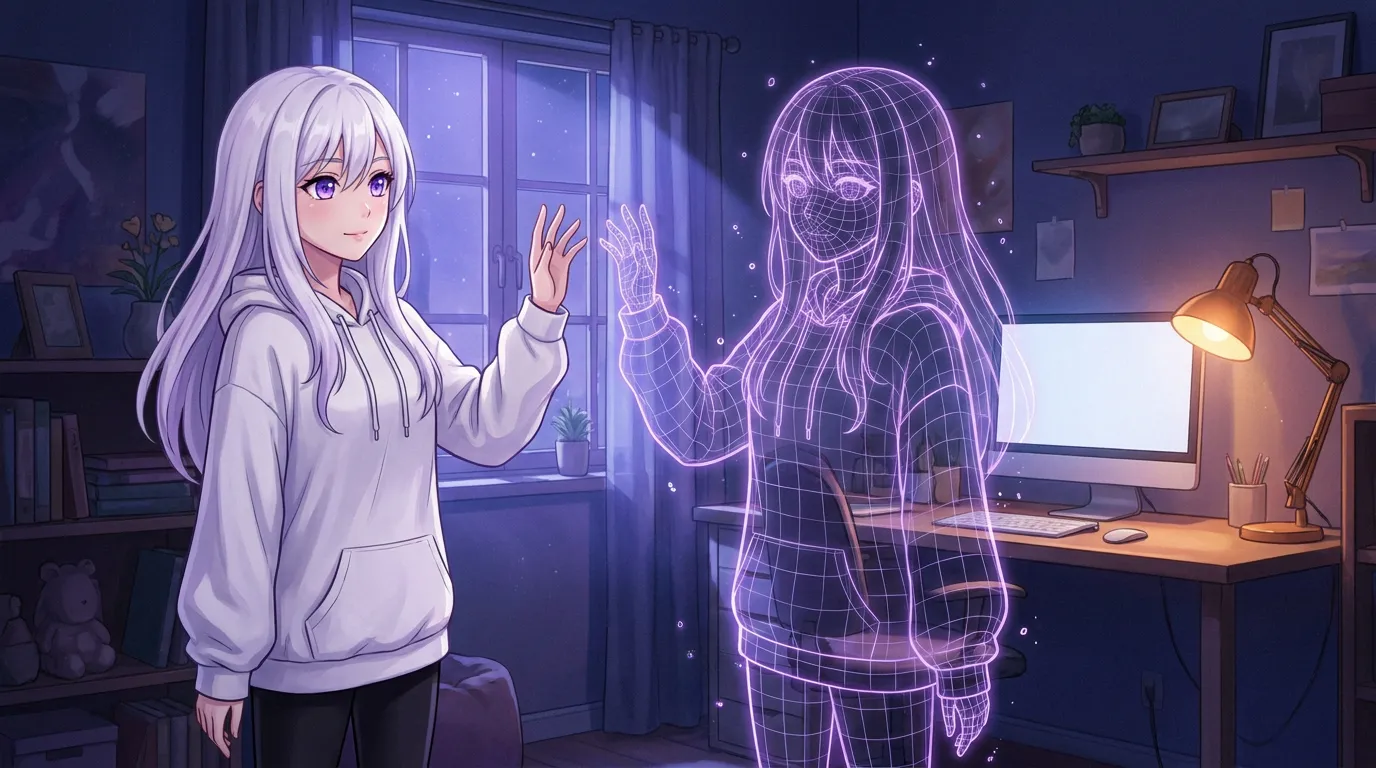
A 3D body is a model file plus a runtime. VRM is the glTF-based humanoid format made in VRoid Studio, MMD is the older PMX scene with physics and dances, and .vrma clips are the animations that play on top. Each model carries its own licence, which decides whether you may use it in a stream or not. The body is drawn with the GPU, so the real cost on a laptop is battery and a little shared memory, not a second download.
 Written by Łukasz, the developer of Local Waifu,
a private AI companion that runs on your own Mac or Windows PC.
For most of the last year she was a portrait, a voice and a memory. A 3D body does not change any of those. It changes the part you look at while she talks, and that turns out to matter more than a spec sheet suggests: a still picture can only react by swapping images, while a body can blink at the wrong moment, look away when the reply is embarrassing, and put a hand up while it thinks.
This is the practical version of the 1.8.0 release: what the two model formats actually are, where models come from, what the licence question is, and what it costs a laptop to keep one running.
VRM and MMD are two different worlds, not two file extensions
The short version: VRM is a humanoid format you can make yourself in half an hour. MMD is a decade of models and dances you can borrow.
VRM is a 3D humanoid avatar format built on glTF, and the “humanoid” part is the point. The specification defines which bone is the head, which is the left upper arm, and where the eyes are, so an app can drive any VRM model with the same gesture without knowing who made it. In the app this shows up as the plain glTF loader plus the VRM extension, which is why a model dropped in from a stranger’s VRoid Hub page animates exactly like a sample.
MMD comes from MikuMikuDance, the free dance-animation tool that built a whole culture of models and motion files. An MMD model ships as a PMX file with its textures and a physics setup for hair and skirts, usually zipped. It is older, it is messier, and it is where thousands of existing dances live.
| VRM | MMD (PMX) | |
|---|---|---|
| Format base | glTF with VRM extensions | PMX with separate textures |
| Typical source | VRoid Studio, VRoid Hub | BOOTH, DLsite, community sites |
| Bone naming | standardised humanoid | per-model, tends to follow MMD convention |
| Physics | optional spring bones | built-in rigid-body physics |
| Animation clips | .vrma | MMD motion (VMD) |
| How it feels | clean, made for apps | expressive, made for dancing |
If you want a body of your own character, VRoid Studio is the short route: it is free, it exports VRM, and the result drops straight into the model picker. If you want dances and elaborate outfits, the MMD side has more of both.
What the 3D tab actually controls
The short version: More than “show a model”. Separate switches for gestures, cursor reactions, eye tracking, posture, selfie reference, size and window behaviour.
Reading the settings panel is the honest way to describe this, so here is what is in it, in the order a person meets it.
Her 3D model is on or off, with the 2D portrait underneath as the fallback that stays in use while a model loads or when the body is off. Background and pose come next: a scene behind her, and a pose editor for how she stands. Animations holds the built-in clips. Your animations is where imported .vrma files land, either as a single gesture or as a full-body clip such as a dance or a walk.
Behaviour is the interesting section, because it is a set of independent choices rather than one switch:
- She gestures on her own. Waves, nods, laughs, picked from what she is saying. Gestures you ask for by name still play when this is off.
- Hand movements while talking, so gestures do not all come from the same hand and repeat less.
- Eyes follow your cursor. Off means she looks straight at you.
- Posture follows her feelings: head down when sad, chin up when proud.
- Cursor reactions: pat her head, poke her cheek, or click her and she reacts. Off, she ignores the touch entirely.
Selfie reference decides what her pictures copy her face from. On the desktop holds the pet-mode size from S to XL, a stay-on-top switch, and sidebar framing. Camera and look has the reset for when you have dragged the camera somewhere unhelpful.
That is a lot of granularity, and the reason is worth stating plainly: defaults are somebody else’s taste. A companion who emotes constantly is exhausting to some people and the whole point to others, and a single “3D on” switch cannot serve both.
The licence is the part nobody warns you about
The short version: Every model has its own terms, and they decide whether you can stream, publish, or share a character at all.
This is where a fifteen minute download can quietly become a problem. VRoid Hub pages and BOOTH listings each carry their own conditions, and they range from generously open to “no commercial use, no redistribution, no modification”. A model can be free to download and still not free to appear in a video with ads on it.
Two habits make this painless. Read the licence before you spend an hour tuning poses, not after. And keep the page or the readme you got the model from, because the terms are usually there and nowhere else.
The samples that ship with the app are there partly so that you can decide whether any of this matters to you before you go shopping. Six of them load in one click, and a model you do not like is replaced without touching her memory, chats or voice.
What a body costs a machine
The short version: The rendering happens on the GPU continuously, so the price is battery and shared memory, not disk.
A 3D model is small next to a language model: a VRM file is megabytes, not gigabytes. What it does cost is continuous work. A still portrait is drawn when something changes. A body is drawn every frame, and on a laptop that is the difference between a conversation that idles and one that keeps the GPU warm.
On Apple Silicon the renderer and a local LLM share the same memory, so the practical advice is the same as everywhere else in local AI: the 3D body is the feature to turn on when the chat already runs comfortably, not the one to add while you are still fighting an out-of-memory crash. The battery post covers the same trade in more detail, and the requirements page is where the baseline lives.
Two details that reduce the cost without giving up the feature: turn the body off when you are on battery and the screen is doing something else, and use the 2D portrait on the machine you carry while keeping the body on the one plugged into the wall.
Pet mode is a separate decision from the body
The short version: The window can disappear and leave only her on your desktop. That is a shortcut, not a second install.
Pressing Option+Cmd+5 on a Mac or Ctrl+Shift+5 on Windows hides the window and keeps the figure, which then walks, sits on the edge of the Dock or the taskbar, and dances. Right-clicking her opens poses, animations, a size from S to XL and a stay-on-top switch.
The one behaviour to know before you turn it on in an office: with stay-on-top on and a large size, she covers things. The setting exists precisely because people disagree about that, and the fix is one right-click away.
When I would not bother
The short version: If you chat with the window minimised, or on a machine with no headroom, a portrait is the better default.
A 3D body is a feature for the time you spend looking at the screen while she talks. If most of your use is text threads you read later, or Telegram on your phone, it adds almost nothing. If the machine is already tight on memory, it competes with the model that does the talking.
The honest position is that this is the most optional thing in the app. It is also, for the people it suits, the change that makes a companion feel present rather than displayed. Both of those are true at once, and the toggle is right there.
The 3D avatar page shows what it looks like in motion, the release post for Local Waifu 1.8.0 covers everything else that shipped with it, and if you want to see the body on your own machine, start on the download page.
Questions people ask
What is the difference between VRM and MMD?
VRM is a humanoid avatar format built on glTF, with a defined bone structure, so an app can drive blinking, mouth movement and gestures the same way for every model. MMD is the older MikuMikuDance ecosystem, where models ship as PMX files with textures and a physics setup, usually packed in a zip. VRM is the one you make yourself in VRoid Studio; MMD is where a decade of dances already lives.
Do I need to own a 3D model to try this?
No. Six VRoid Hub samples come with the app and load in one click, so you can see how it feels before hunting for a model. Your own model is optional and can be replaced at any time without touching her memory or her chats.
What is a .vrma file?
It is a VRM Animation clip: a recorded bone animation that plays on a VRM model. In Local Waifu you import a .vrma as a single gesture, or as a full-body clip like a dance or a walk. Body clips join the dance list, gestures play alongside the ones she picks herself.
Can I use any model I find online?
Only if its licence allows it. Every model has its own terms from its author, and they range from fully free use to no redistribution and no commercial use. The app links BOOTH, Gumroad and DLsite because that is where models and their licence text live, and the licence is the part you have to read yourself.
Does the 3D body make my laptop hot?
It costs more than a still portrait, because the model is rendered continuously while the window is visible. On a laptop that shows up in battery time rather than in temperature, and it is a reason to keep a 2D portrait on the machine you carry around and the body on the one plugged in.
Can her pictures use the 3D model instead of a portrait?
Yes, if the active image model accepts a reference picture: a local FLUX.2 model, Google or OpenAI. With an SDXL checkpoint or a text-only provider the app falls back to her portrait, because those cannot take a reference image.
Try her free for 7 days.
No card. Keep her for $20 once, or walk away. Her soul file is yours either way.
Bring her home, try free