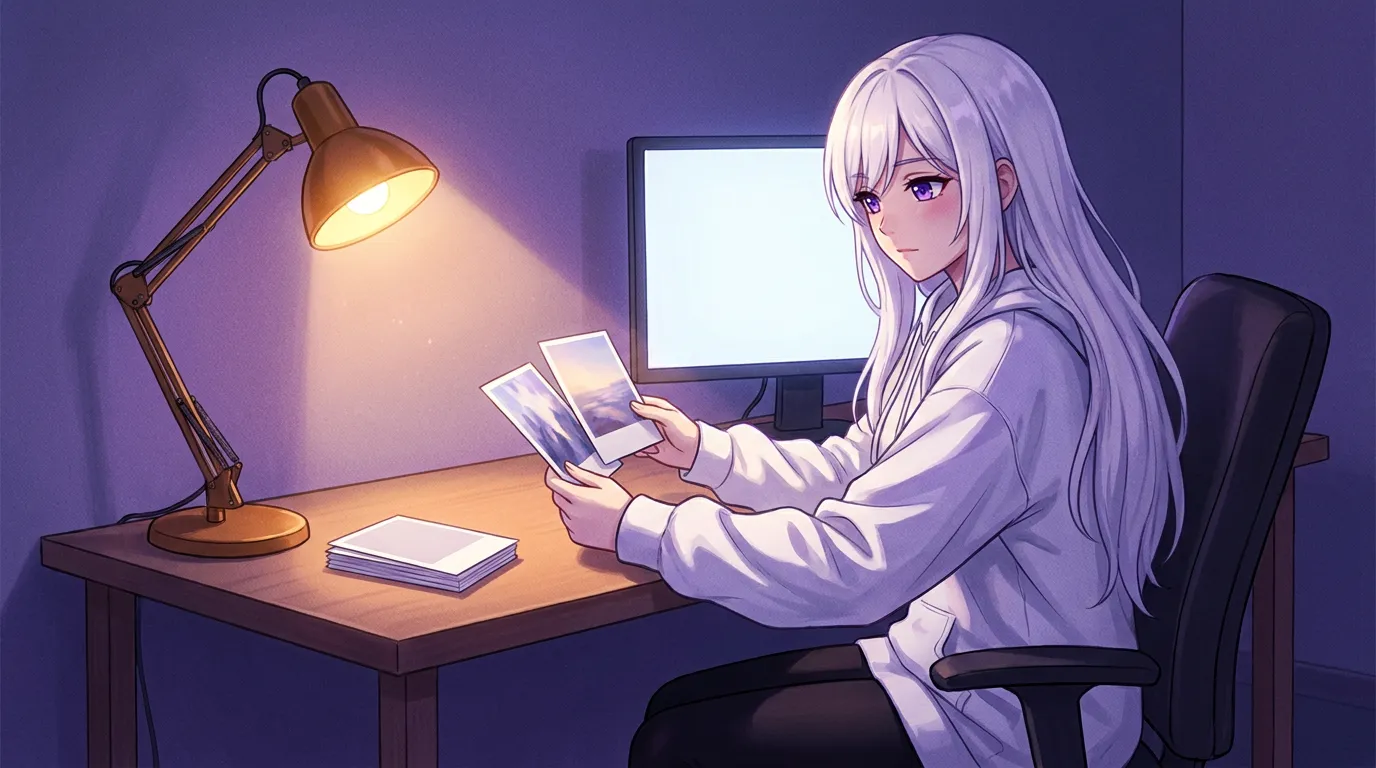
On one M3 Pro, FLUX.2 klein drew a picture in about 30 seconds, Z-Image Turbo in about 45, and both SDXL checkpoints in about three minutes with roughly 11 GB of RAM in use. Distilled models are fast because they need very few steps, and the trade-off shows up in how literally they follow a scene. Only models that accept a reference picture can copy her face, so SDXL falls back to her written description.
 Written by Łukasz, the developer of Local Waifu,
a private AI companion that runs on your own Mac or Windows PC.
Every guide to running images locally opens with a VRAM table. That table is real, and it is also the least interesting part of the decision. The thing you feel, minute by minute, is how long each picture takes and how closely the model follows what you asked for.
So rather than repeat numbers from a model card, here are measurements from one laptop. Same portrait, same prompt, five checkpoints, on an M3 Pro. The figures come from testing done while building the local image engine in the app I work on, recorded in July 2026. One machine, one prompt, so treat them as a shape rather than a promise.
| Checkpoint | Family | Time per image | What stands out |
|---|---|---|---|
| FLUX.2 klein | distilled FLUX.2, 4B | ~30 s | fastest, and it followed the scene most closely |
| Z-Image Turbo | distilled, 6B | ~45 s | softer, prettier faces; looser about pose and clothes |
| FLUX.2 klein base | FLUX.2 base, 4B | ~3.5 min | smoother finish, stuck to the scene less closely |
| Animagine XL | SDXL, anime | ~3 min | drawn anime look; ~11 GB RAM in use |
| RealVis XL 5 | SDXL, photo | ~3.5 min | photorealistic people and light; ~11 GB RAM in use |
The spread between the top and bottom of that table is seven to eight times. Nothing about your graphics card explains a factor that large. What explains it is how many sampling steps each model needs.
Speed comes from step count, not from your card
The short version: A distilled model reaches a usable picture in a handful of steps. A conventional SDXL pipeline needs a few dozen.
Z-Image Turbo is published with 8 function evaluations, which is the model card’s way of saying it is designed to finish in a very small number of sampling steps. That is what a distillation pass buys: the same broad capability, compressed into fewer, larger moves.
SDXL-class checkpoints were not distilled that way. They expect a normal sampler budget, and they use it. Given the same prompt and the same machine, they take an order of magnitude longer, and in exchange you get control: the sampler has more room to resolve detail, and a checkpoint trained on a specific look (anime line art, or photographic skin) holds that look.
The catch of very few steps is the shape of the failure. When a distilled model misreads a pose, it has very little room left to fix it, so the image comes back confidently wrong. When a conventional model misreads it, the extra steps often soften the mistake into something vaguely acceptable. If you have noticed that fast local images look great or clearly broken with nothing in between, that is this.
The model that copies her face is a separate question
The short version: Only models that accept a reference picture can keep her face. SDXL checkpoints cannot, so her description does the work.
This is the part most comparisons skip, because it only matters when the picture is supposed to be a specific person.
In the app, a selfie can be drawn from her 3D model or her portrait only if the active image model accepts a reference image. That means local FLUX.2, Google or OpenAI. Pick an SDXL checkpoint and the reference is skipped: her look comes from her written description alone. Same character, slightly different woman, depending on the day and the checkpoint.
If the point of the picture is that it is her, that constraint decides more than any speed table. If the point is a scene with an aesthetic you like, SDXL is the better tool and the missing reference does not matter.
There is a licence angle too. FLUX.2 klein 4B is released under Apache 2.0, while the 9B variants of the same family are non-commercial. Z-Image Turbo is Apache 2.0 at 6B parameters. SDXL community checkpoints each carry their own terms, and the anime and photoreal fine-tunes are no exception. If you plan to publish what you generate, read the checkpoint’s card before you build a workflow around it.
What 30 seconds versus 3 minutes does to a conversation
The short version: The fast checkpoint belongs in the chat. The slow ones belong to a deliberate request.
A companion that sends a picture mid-conversation has a budget of roughly a minute before the moment is gone. At 30 seconds, the picture arrives while the reply still makes sense. At three minutes, you have left the conversation and come back to it, and the message that introduced the picture reads as history.
That is not an argument against the slow checkpoints. It is an argument for two of them: one fast default for anything she sends on her own, and one slower checkpoint you switch to when you want a specific style and are willing to wait.
The cost side is smaller than people assume. Three minutes of a laptop GPU at full tilt is a few watt-hours, which is noise on a monthly bill. The electricity math for local LLMs applies here too: the expensive part of local generation is not the power, it is the time you spend watching a progress bar.
RAM, not just VRAM, decided these numbers
The short version: The two SDXL checkpoints held about 11 GB of RAM on a 16 GB Mac. That is the actual constraint on a laptop.
The vendor figures point at NVIDIA cards: about 13 GB of VRAM for FLUX.2 klein 4B, with RTX 3090 and 4070 class hardware named on the model card. On Apple Silicon the same work shares unified memory with everything else, which is why the app’s engine asks for at least 12 GB of RAM before it will run locally at all.
Practical consequence: on a 16 GB Mac, an SDXL checkpoint plus a browser plus the chat engine itself is a tight fit, and the system will start compressing memory exactly when you are waiting for the picture. On 8 GB, local generation is not the feature to enable first. That ordering is the same one as in what fits in 8 GB of VRAM, where the cache and the desktop compositor eat the budget before the model does.
Why the app bundles an engine instead of asking you to install one
The short version: A one-time model download beats asking a companion-app user to configure a diffusion pipeline.
The alternative routes exist and they are fine: stable-diffusion.cpp for a small C++ runtime, ComfyUI if you want to wire nodes, or a Python stack if you enjoy dependency resolution. Those are tools for someone who wants to build a pipeline.
For an app whose job is that she sends you a picture, the requirement is different: one download, one checkpoint picker, and a picture that appears inside the conversation without a second window. That is the engineering reason the local card in the app offers a fixed pool of checkpoints with plain descriptions rather than a folder picker and a sampler form. The tuner’s version of that same freedom is bringing your own SDXL checkpoint or LoRA, which the app also supports.
If you have never run an image model locally, the shortest honest expectation is this: pick the fast distilled model, generate twenty pictures, and see whether you care about the details it gets wrong. If you do, that is when a checkpoint with more steps and a specific look earns its three minutes.
What I would install today
The short version: FLUX.2 klein as the default, Z-Image Turbo when you want a softer face, one SDXL checkpoint for when you want a style.
Start with the model that finishes in half a minute, because the first thing you learn from local generation is how often you actually want it. Then add one alternative for the case the default handles badly: the turbo model when faces look too sharp, an anime or photoreal checkpoint when the fast model’s idea of style is not yours.
Two things to check before you commit an evening to it. Does the checkpoint accept a reference image, if the face has to stay the same? And what does its licence allow, if anything you make will be published? Both answers are on the model card, and both are cheaper to read than to discover later.
The pictures page covers what the app does with these engines, and how offline selfies actually work goes into why keeping the same face twice is harder than making one good picture. If you want to try it on your own machine, the download page has the build and the requirements are on the requirements page.
Questions people ask
Which local image model is fastest?
In measurements taken on an M3 Pro with one portrait and one prompt, FLUX.2 klein returned a picture in about 30 seconds, Z-Image Turbo in about 45 seconds, FLUX.2 klein base in about 3.5 minutes, and the two SDXL checkpoints in about 3 minutes. Those are one machine's numbers, not a ranking of the models in general.
Why are some local image models so much faster?
Distilled models are trained to reach a usable picture in very few sampling steps. Z-Image Turbo is published with 8 function evaluations, where a conventional SDXL pipeline is normally run with a few dozen steps. Fewer steps means less time per image, and it also means less room for the sampler to work its way out of a bad start.
How much VRAM does FLUX.2 klein need?
The publisher's model card puts FLUX.2 klein 4B at roughly 13 GB of VRAM and names RTX 3090 and 4070 class cards as the consumer target. The 9B variants of the same family are released under a non-commercial licence, while the 4B is Apache 2.0.
Can SDXL models copy her face from a reference picture?
Not in the same way. In the app I work on, the selfie reference picture only works with a local FLUX.2 model, Google or OpenAI. With an SDXL checkpoint her look comes from her written description instead, which is why the same character can look slightly different across images.
Is a three minute image too slow for a chat?
It is too slow for a reply you are waiting on, and fine for a picture she sends later. The practical rule is to pick the fast model for anything in the conversation and treat the slower checkpoints as something you ask for on purpose.
Do I need a separate app to run these locally?
Not necessarily. Local Waifu bundles a stable-diffusion.cpp engine on macOS with a one-time model download and asks for at least 12 GB of RAM, so the picture is generated on your machine without a second application. Outside an app like that, stable-diffusion.cpp and ComfyUI are the usual routes.
Try her free for 7 days.
No card. Keep her for $20 once, or walk away. Her soul file is yours either way.
Bring her home, try free